Price Calculator
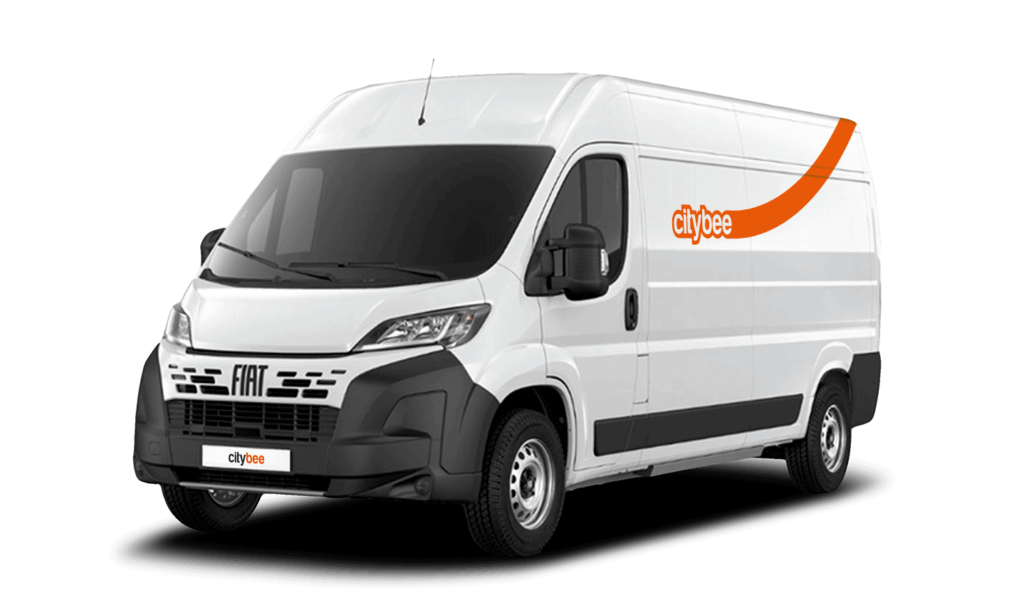
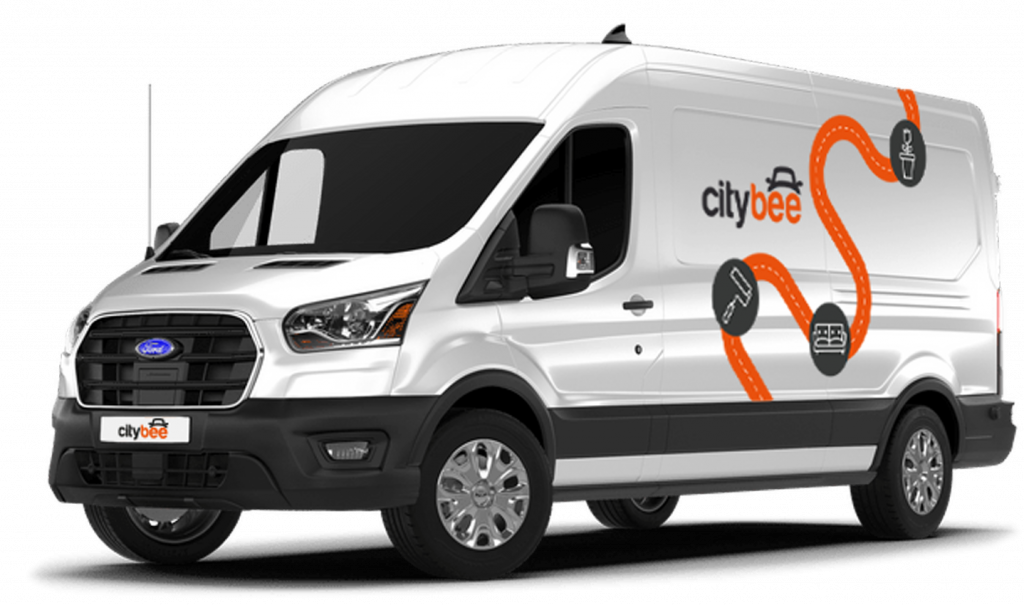
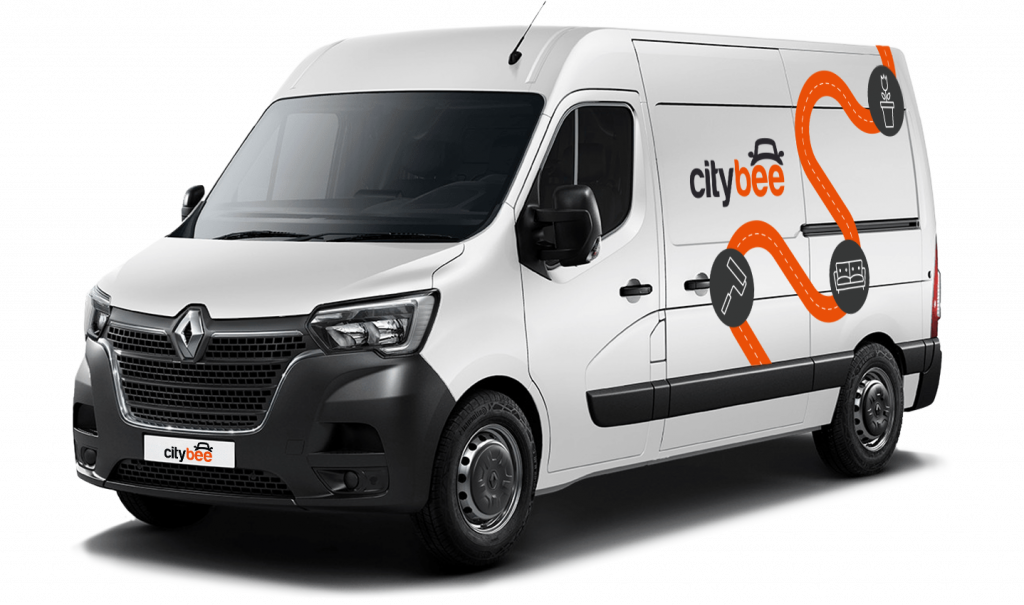
Renault Master
The price of this journey would be
0€
Trip start fee of 0.49€ is included in the price calculation.
There are no registration or account creation fees. You only pay for the time you use the vehicle and the kilometers driven. Detailed pricing information is available on the “Pricing” page, while any additional fees and penalties are listed below in this Pricelist.
We strongly encourage you to use CityBee vehicles responsibly and return them in good condition. However, additional fees may apply if you fail to comply with the Terms and Conditions of the agreement or the rules for using the services.
Prices are available on the web pages:
LT – https://citybee.lt/en/pricing/;
LV – https://citybee.lv/en/pricing/;
EE – https://citybee.ee/en/pricing/.
The Terms discuss fines and conditions, principles and procedure of imposing them, whereas specific types of fines and their specific amounts are indicated in the Pricelist, which can be periodically updated. In any case, the User must get familiar with the Pricelist in the App, applicable to each reservation and currently valid before they confirm each reservation.
Please be aware that driving Cargo vehicles on motor highways requires payment. Drivers must either pay a user toll or present a document confirming toll payment, such as a vignette, in paper or electronic form. For more information about vignettes in Lithuania, and Estonia, please visit: Road taxes.
When driving within the borders of Latvia, vignettes are included in the price and drivers do not have to purchase them. If the trip is planned outside Latvia and the state border will be crossed, the driver must purchase a vignette.
Minimum trip price is the minimum amount payable for the services, which is deducted from the Payment account after unlocking the car or extending the reservation (if the minimum amount is exceeded, the remaining amount due is debited no later than at the end of the trip, and if the minimum amount is not reached – the difference is not returned). The minimum trip price (its size) for each car is indicated in the App.
Additional fees
Please note that these additional fees may vary by market. You can find the specific additional fees applicable in Lithuania, Latvia, and Estonia by clicking on the relevant country name. Fees to which this applies are marked with an asterisk (*).
The BeeChill Fee is a small financial protection fee applied to all ‘Flexible’ trips, and it’s already included in the price of trip packages – you can easily see the fee in the app before you start your trip.
Fee for leaving the vehicle in the Republic of Lithuania (in a zone permitted by CityBee) – 69 EUR
Parking Zone fee – a fee the amount of which is provided for on the App is charged for returning or collecting the Vehicle from the Parking Zone territories marked and shown on the App.
Administrative fee in case of a violation of the Road Traffic Regulations and related events – 10 EUR*
Long-term rent reservation cancellation fee – 35 EUR
Long-term rent car refuelling administration fee – 12 EUR
In cases provided for in the Terms, you will also have to cover costs incurred by us in connection with damage caused by you or administration of your debt.
Fines and damages
If you or other persons, for whom you make it possible to use our vehicles, do not follow the Terms, the following fines may be imposed on you, which are deemed our liquidated damages:
For allowing other persons to use the Account and (or) to drive, control or otherwise use the vehicle – 700 EUR
For leaving a vehicle (i.e., ending the trip) not in CityBee zones marked in the App (the fine is also applied in cases where the trip is terminated on our initiative after applying for temporary protection measures): – 300 EUR*
For loss of the vehicle starting keys – 120 EUR* You must also compensate for all costs of purchasing and programming the keys.
For smoking inside the vehicle – 70 EUR*
For fuel misappropriation or misuse of the fuel card – 500 EUR (in case of fuel misappropriation you will pay a fine, plus will compensate for the value of the misappropriated fuel)
For dangerous, reckless or careless driving – 500 EUR*
For driving under the influence of alcohol (above 0.00 per mile), narcotic substances and other substances affecting mental state (or when you consumed alcohol or used other intoxicating substances after the traffic accident before its circumstances were established, or avoided undergoing a blood alcohol or intoxication test (blood alcohol content or intoxication is understood as defined in legal acts). You must pay us the fine of the indicated amount for driving under the influence of alcohol (above 0.00 per mile), narcotic substances and other substances affecting mental state also in those cases when you transferred the Vehicle or otherwise made it possible for another person to drive it when he was under the influence of alcohol (above 0.00 per mile), narcotic substances and other substances affecting mental state, or when such a person avoided undergoing a blood alcohol or intoxication test – 2000 EUR
For leaving a vehicle (i.e., ending the trip) in such a condition where it cannot be used for further trips (e.g., the vehicle is left in a private lot or a paid parking lot, from which it is not possible to leave without paying for parking.) – 70 EUR*
For leaving the vehicle (i.e., ending the trip) without leaving the key in the vehicle, if within 2 hours from informing you about the collection of the key, the key is not returned – 70 EUR*
For soiling of the vehicle, which requires additionally cleaning (including dry cleaning) – 100 EUR
For failure to comply with our order not to exceed the permitted speed limit when you, after receiving a notification from us, continue to exceed the speed limit – 150 EUR
Fee for leaving a car in an unauthorized place (when the car is towed to a storage area) – 200 EUR*
However, if the vehicle is damaged during a traffic accident caused by you (or another person for whom you made it possible to use our vehicle) in a non-sober state, participating in sports competitions, or otherwise violating the Terms, you will have to compensate us for damages in full. See the Terms.
About other cases of damages, see the Terms.
The subscription is ideal for anyone who regularly takes shorter trips (up to 5 km and 15 minutes) in the city with CityBee. Whether it’s just a few times or several trips a month, choose a subscription plan that fits your travel needs, save money, and enjoy additional benefits. However, if you typically take longer trips, we recommend selecting from a variety of trip packages that offer more cost-effective options for longer routes.
The CityBee subscription is a test service. We are constantly looking for new ways to help our customers travel more affordably and conveniently. In planning the CityBee subscription, we considered the needs of our most active customers and decided to offer plans for the most common types of city trips, allowing customers to enjoy cost-effective travel without worrying about time. We will periodically evaluate the service’s activity and improve it as needed. All customer feedback and expectations are highly appreciated. If you have any comments, please reach out to info@citybee.lt.
CityBee reserves the right to change the terms of the CityBee subscription at any time.
You can submit your request for the exercise of your rights (as far as your Account is concerned) to us in the following ways:
submitting a request at e-mail info@citybee.lt; info@citybee.lv; info@citybee.ee, from email that is registered in your CityBee account that you want to delete;
submitting a request by e-mail at info@citybee.lt; info@citybee.lv; info@citybee.ee, signed with qualified e-signature (e.g. by use of Smart-ID or M-signature);
In the CityBee app, by selecting Menu -> My profile -> Delete my account.
This fee applies to all Flexible pricing trips and is already included in the price of our trip packages or trips made with a subscription plan!
‘CityBee’ cars can be used to travel within the European Union (or where ‘CityBee’ car insurance is valid). However, you need to get our prior permission first.
The permission request must be sent to the general email addresses:
You can contact the LT team via info@citybee.lt;
You can contact the LV team via info@citybee.lv;
You can contact the EE team via info@citybee.ee.
Before deciding whether to allow to transport ‘CityBee’ car outside of LT, LV or EE, we will assess our technical and organizational capabilities and your history of using ‘CityBee’ services.
You’re welcome to take a CityBee car across the Baltics (Lithuania, Latvia, Estonia) and finish your trip in any permitted CityBee zone shown in the app. Just keep in mind that a €69 cross-border fee applies when a trip starts in Latvia or Estonia and ends in Lithuania.
Children must be carried in kids’ chairs. CityBee cars have kids’ chairs (you can see whether there is a chair in a selected car by clicking on the car icon on the map or using a filter and selecting the criteria “Cars with kids’ chairs”). Chairs are for older children, i.e. this is a raised seat without a backrest.
Road traffic rules warn that children under the age of 12 and not higher than 150 cm are allowed to sit in the front seat only in special seats adapted to their weight and height.
For safety reasons, CityBee cars only provide a group 2/3 booster cushion for children from 22-36 kg, aged 6 to 12 years, following the law.
Left something behind? You’ve got 24 hours to grab it for free.
Just reserve and unlock the same car like you normally would. You’ll have 5 free minutes to collect your stuff. Important: don’t turn on the ignition unless you’re planning to drive. If you stay longer than 5 minutes, you’ll automatically start a paid reservation.
After 24 hours, you can still find the car on our live map. If you don’t see your vehicle on the map, it may be in use by another customer at the moment. You can find available vehicles here:
Lithuania: https://map.citybee.lt/#/main-map
Estonia: https://map.citybee.ee/#/main-map
Latvia: https://map.citybee.lv/#/main-map
Need a hand? Reach out at info@citybee.lt, info@citybee.lv, info@citybee.ee, or through the in-app chat.
The price of this journey would be
0€
Trip start fee of 0.49€ is included in the price calculation.