Price Calculator
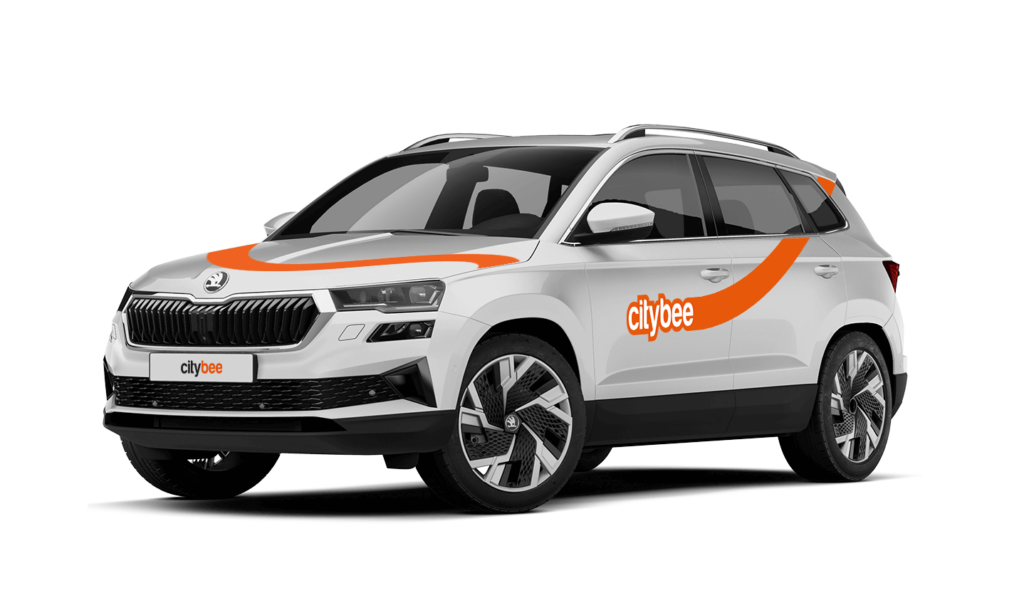
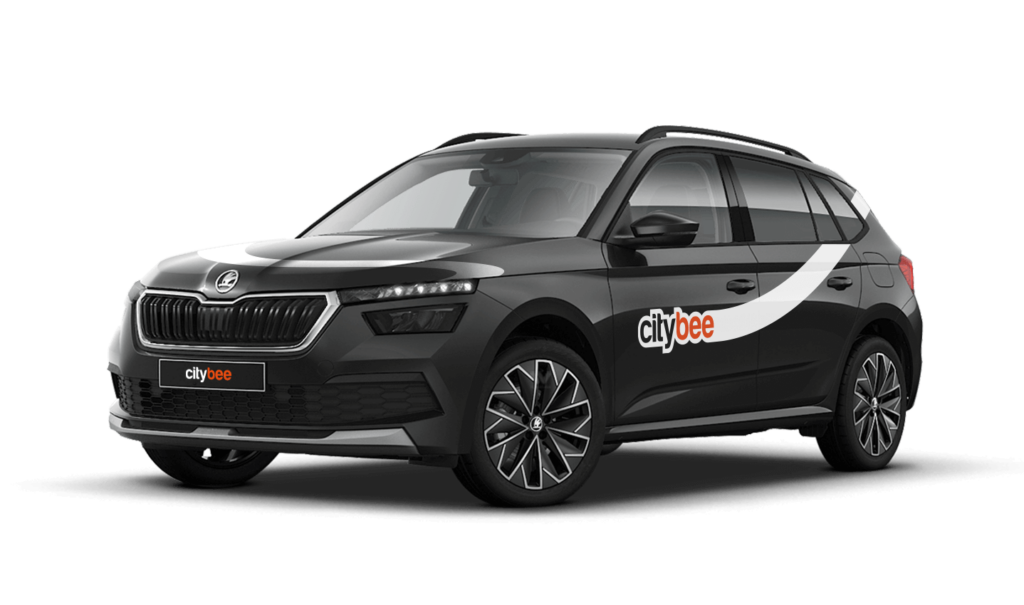
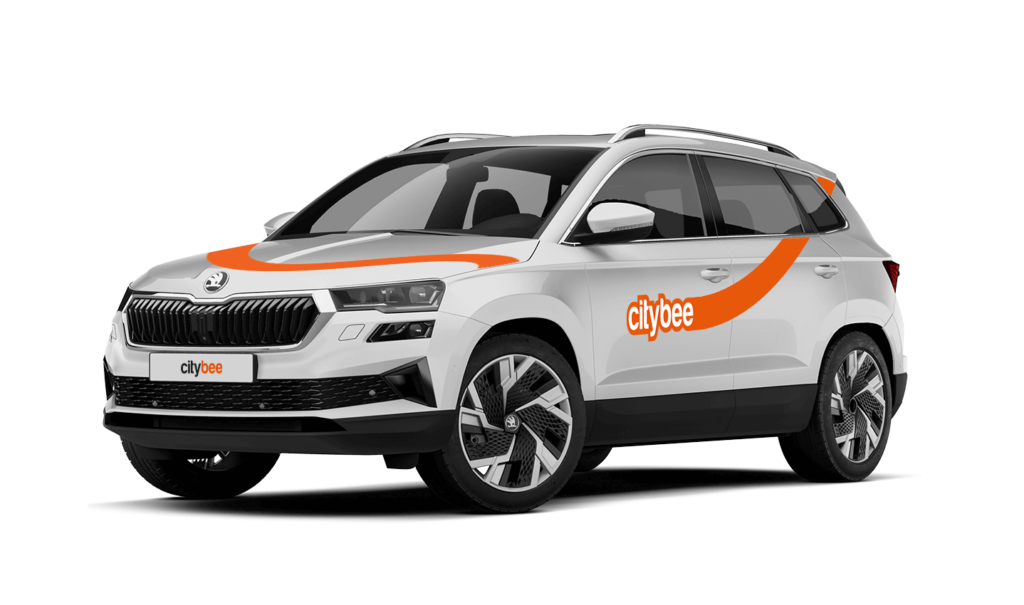
Skoda Karoq
The price of this journey would be
0€
Trip start fee of 0.49€ is included in the price calculation.
To change the CityBee self-service password, click on “I forgot/want to change my password” on the website . Once you’ve done that, enter your email address linked with your CityBee account in the box that appears. An email will be sent to your inbox with instructions explaining how to change your password.
Lithuania self – service: https://selfservice.citybee.lt/#/login;
Latvia self-service: https://selfservice.citybee.lv/;
Estonia self-service: https://selfservice.citybee.ee/.
We rely on other legal entities in the provision of our services (data centres, document, photo verification, administration, payment, audit, accounting, legal and advisory services, debt collection, mobile app usage analysis and statistics monitoring, direct marketing, email, SMS, payment intermediaries, etc.)
In all cases, we ensure that third parties providing services comply with our obligations of confidentiality and proper protection of personal data.
If necessary, your personal data may be provided to state and municipal authorities in accordance with applicable legislation and / or our legitimate interests.
After an accident involving a CityBee car used on your behalf, your data is transferred to insurance companies and, if necessary, to other parties involved in the accident.
CityBee also has the right and, in certain cases, the obligation to pass on information about road traffic offences committed by customers (e.g., speeding, drunk-driving) to the responsible authorities (e.g., the Police).
The CityBee Privacy Policy provides detailed information on the purpose of processing your personal data and the duration of storage thereof.
At CityBee, we prioritize safety, both for our drivers and everyone on the road. If you happen to exceed the speed limit, we’ll call you or send you a notification to remind you to slow down.
However, if after receiving this notification you continue to exceed the speed limit, a fine specified in our Pricelist will be applied. This fine serves as a reminder to follow the rules of the road and keep your driving safe.
By respecting speed limits, you’re not only avoiding fines but also contributing to a safer experience for everyone. Let’s keep it safe and smooth on the roads!
Pets can only be carried in cars in special pet transport boxes. Also, please make sure of the cleanliness and leave the car the way you would like to find it.
If you use all the trips included in your CityBee subscription plan before it expires, you can purchase a new plan at any time.
When you refill a bee with a fuel level less than 25% volume of the tank capacity, a 2 EUR discount will be added to your account for future trips.
ATTENTION! Discount for refueling the car is applied only when the fuel drops to 1/4 volume of the tank capacity and you need to fill a full tank. The discount is given just once during your trip.
❗The discount will be added to your account within about an hour after the refueling.
How to refuel: https://intercom.help/citybee/en/articles/4890184-do-you-need-to-pay-for-the-fuel.
A minimum fee will still be charged if the trip is less than it. Discounts will be applied after that.
Thank you for taking care of our bee!
If you refuel at a station other than Circle K, we’ll refund the cost of the fuel. To request a refund, make sure to save the receipt and follow the process described here.
Please note that we cannot process receipts older than 3 months.
We offer prepaid trip packages that include fixed time with fixed kilometers.
By choosing prepaid packages, you will pay less than the usual fare with the same distance and time in the ‘Flexible’ option.
If you happen to exceed the kilometers and /or time included in the price of the package, you will be able to continue the journey safely.
After the prepaid package ends (mileage and time included are finished), you will be paying for additional minutes and/or kilometers as specified in the chosen package deal.
You can also continue your trip by purchasing one more additional prepaid package without completing the active reservation.
If you decide to end the trip before using the time and /or kilometers indicated on the prepaid package, this balance will not be refunded.
The price of the fixed prepaid package will be charged at the beginning of the trip and the price for the extra kilometers and/or time will be charged during or at the end of the journey, depending on the length of your trip.
A day mentioned in the trip packages is 24 hours.
You can find the packages and prices in the CityBee app, also, the prices of prepaid packages can be viewed here: https://citybee.lv/en/packages/.
Now you are able to customize the pre-paid packages yourself by selecting time and kilometers in the app. Choose the preferred duration of the package, then, select the number of kilometers you anticipate driving during that time. This way, you can tailor the pre-paid package to fit your specific needs and budget. Enjoy the flexibility and convenience of customizing your own package!


The price of this journey would be
0€
Trip start fee of 0.49€ is included in the price calculation.