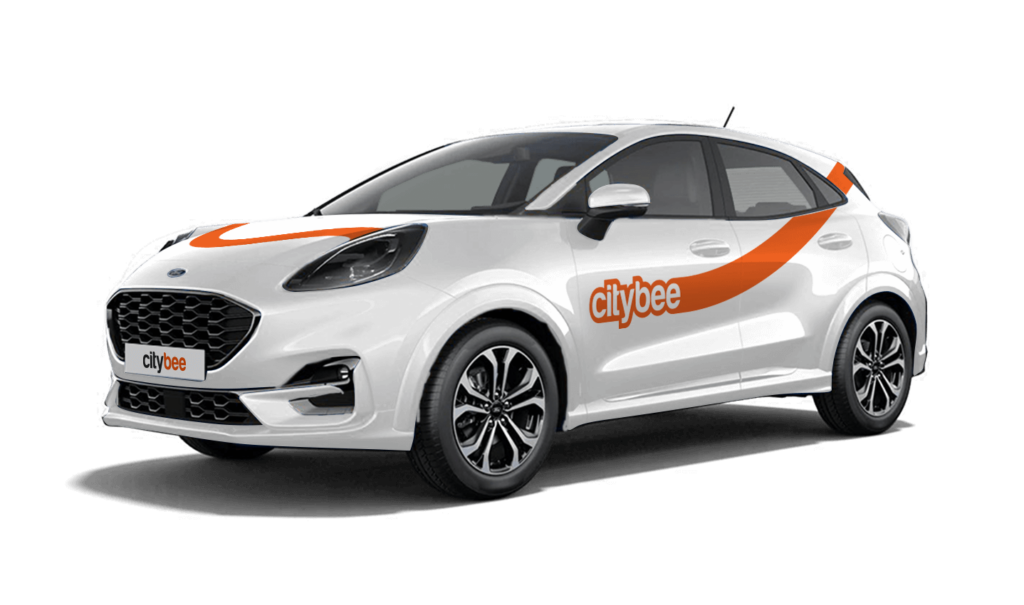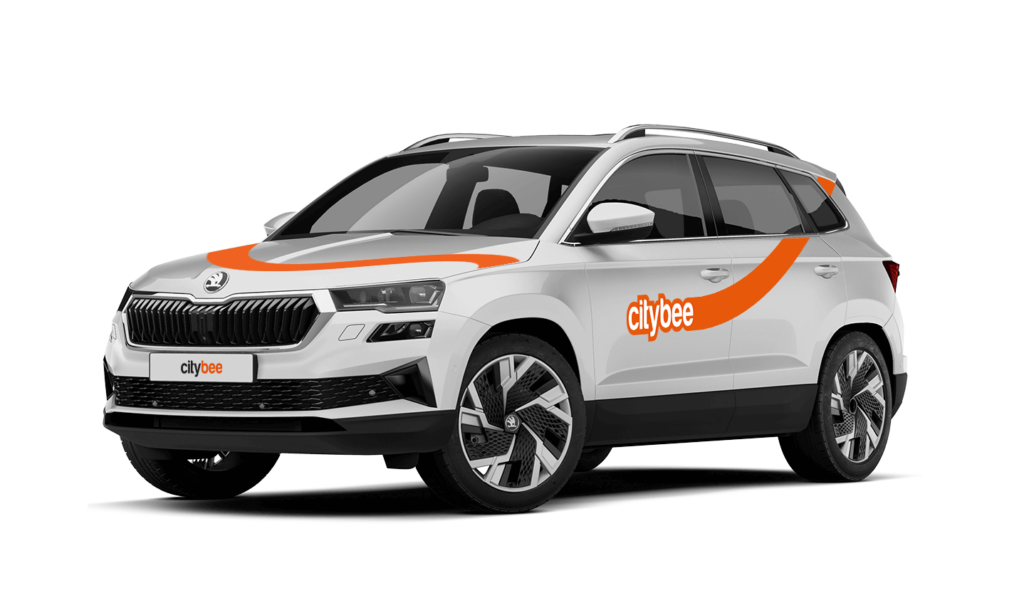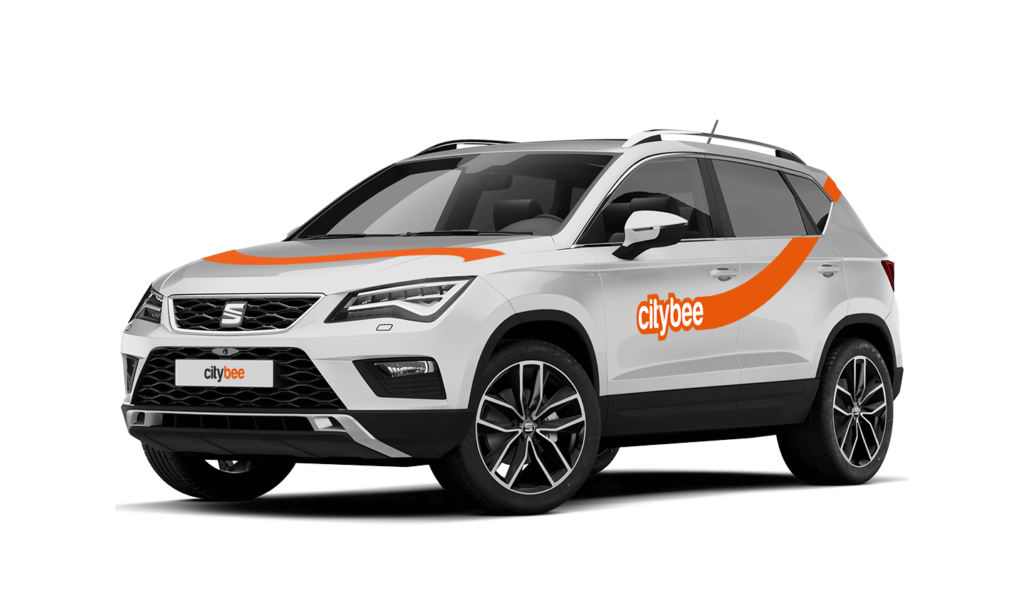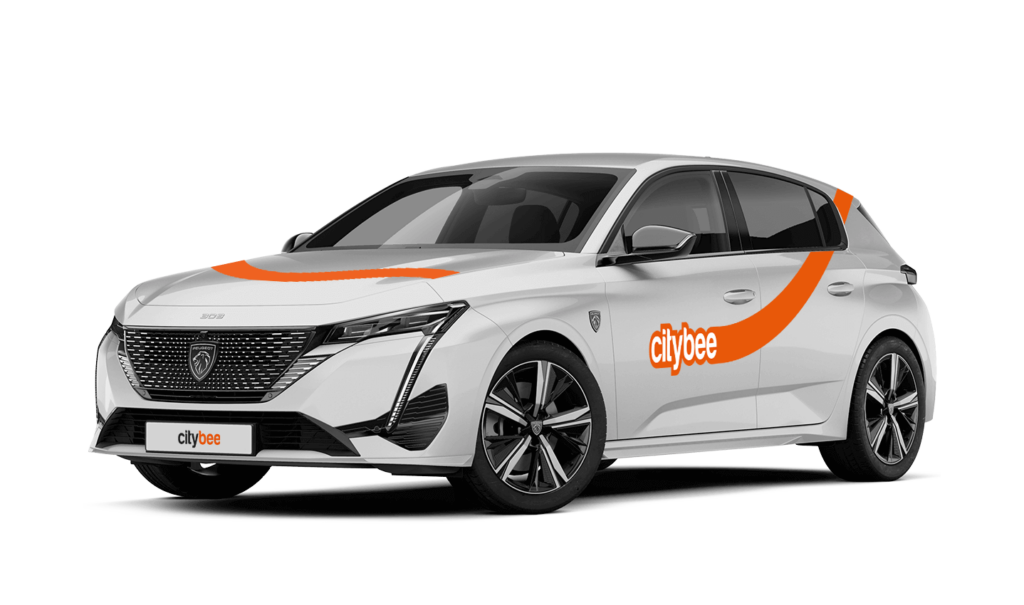
Price Calculator
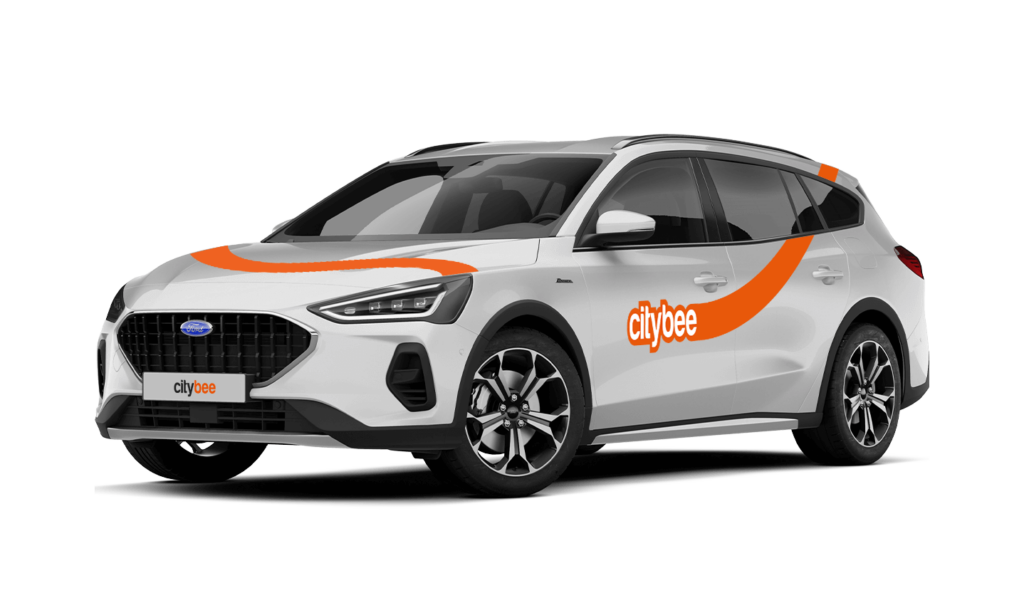
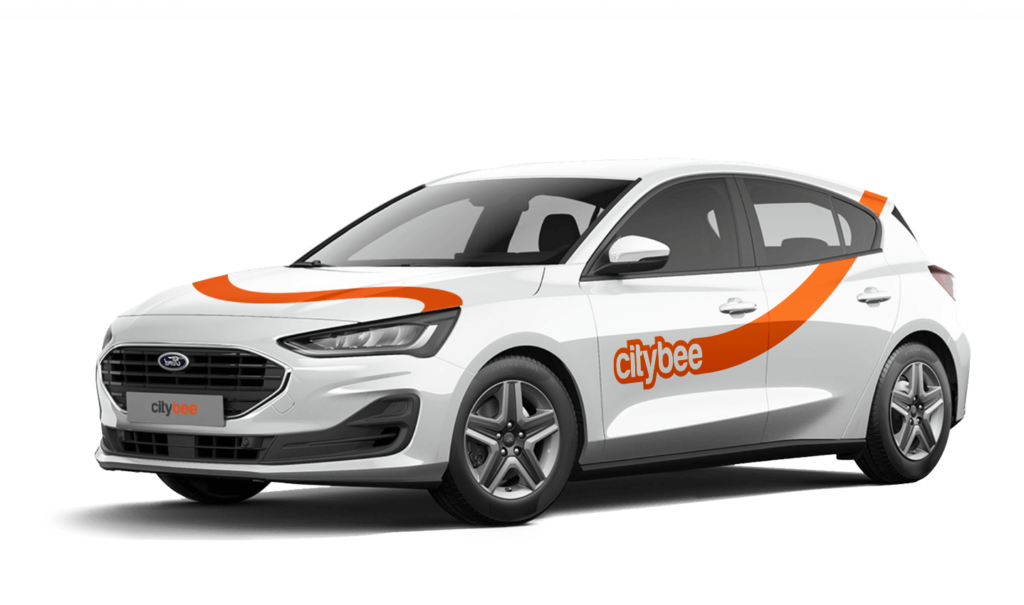
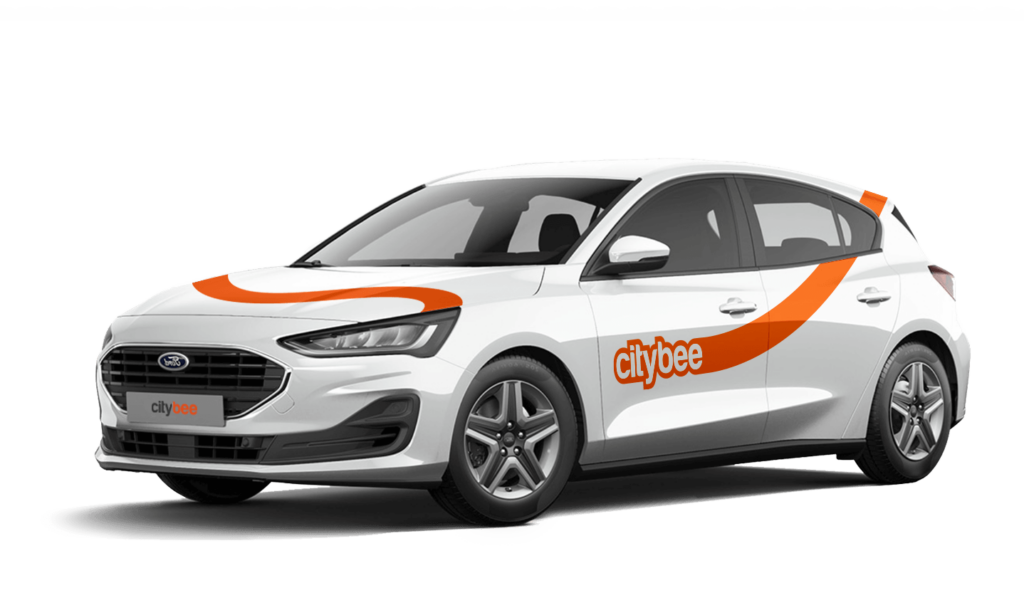
Ford Focus
The price of this journey would be
0€
Trip start fee of 0.49€ is included in the price calculation.
To sign an agreement with CityBee, fill the application form:
https://citybee.lt/lt/verslo-klientai/ (For companies operating in Lithuania);
https://citybee.lv/lv/business-clients/ (For companies operating in Latvia);
https://www.citybee.ee/ee/arikliendile (For companies operating in Estonia).
If you paid for fuel using your own money, we’ll reimburse the cost. To request a refund, make sure to save the receipt and simply follow this process.
Car screenwash can not be purchased with a „Circle-K“ card.
The amount of the BeeChill fee for each car is indicated in the App.
You can submit your request for the exercise of your rights (as far as your Account is concerned) to us in the following ways:
submitting a request at e-mail info@citybee.lt; info@citybee.lv; info@citybee.ee, from email that is registered in your CityBee account that you want to delete;
submitting a request by e-mail at info@citybee.lt; info@citybee.lv; info@citybee.ee, signed with qualified e-signature (e.g. by use of Smart-ID or M-signature);
In the CityBee app, by selecting Menu -> My profile -> Delete my account.
Registration at CityBee is quick and easy. You don’t need to come anywhere – register with the mobile CityBee app and start using it! Registration will take just a few minutes.
We rely on other legal entities in the provision of our services (data centres, document, photo verification, administration, payment, audit, accounting, legal and advisory services, debt collection, mobile app usage analysis and statistics monitoring, direct marketing, email, SMS, payment intermediaries, etc.)
In all cases, we ensure that third parties providing services comply with our obligations of confidentiality and proper protection of personal data.
If necessary, your personal data may be provided to state and municipal authorities in accordance with applicable legislation and / or our legitimate interests.
After an accident involving a CityBee car used on your behalf, your data is transferred to insurance companies and, if necessary, to other parties involved in the accident.
CityBee also has the right and, in certain cases, the obligation to pass on information about road traffic offences committed by customers (e.g., speeding, drunk-driving) to the responsible authorities (e.g., the Police).
The CityBee Privacy Policy provides detailed information on the purpose of processing your personal data and the duration of storage thereof.
When reserving a car, you have two options:
· Choose a car, click on “Reserve,” and you will get a free 15-minute reservation, giving you access to the car for unlocking
· If you do not unlock the car within this 15-minute window, your reservation will automatically end unless you choose to pay for an extension.
If 15 minutes isn’t enough, you can extend your reservation for longer periods, but keep in mind:
· You can easily extend your reservation through the app after you’ve booked the car. Just click on Reservation and then select Extend.
· After the 15 minutes expire, the paid reservation time will begin. The cost per reserved minute is the same as the cost per minute when driving the car;
· You can extend the reservation for up to 24 hours;
· If you do not unlock the car by selecting “Unlock” in the app, the reservation will automatically end, and you will be charged for the time the reservation was active.
You can cancel a paid reservation at any time, and you will only be charged for the time used.
Once you’ve reached the car, click “Unlock” in the app. The car will unlock, and the keys will be inside the vehicle.
If you encounter any issues while trying to unlock the car using the app, please contact us by phone, and our 24-hour Beehive Assistance Center will be happy to help:
Contacts in Lithuania: +370 70077084;
Contacts in Latvia: +371 272 65460;
Contacts in Estonia: +372 600 0160.
The price of this journey would be
0€
Trip start fee of 0.49€ is included in the price calculation.