Price Calculator
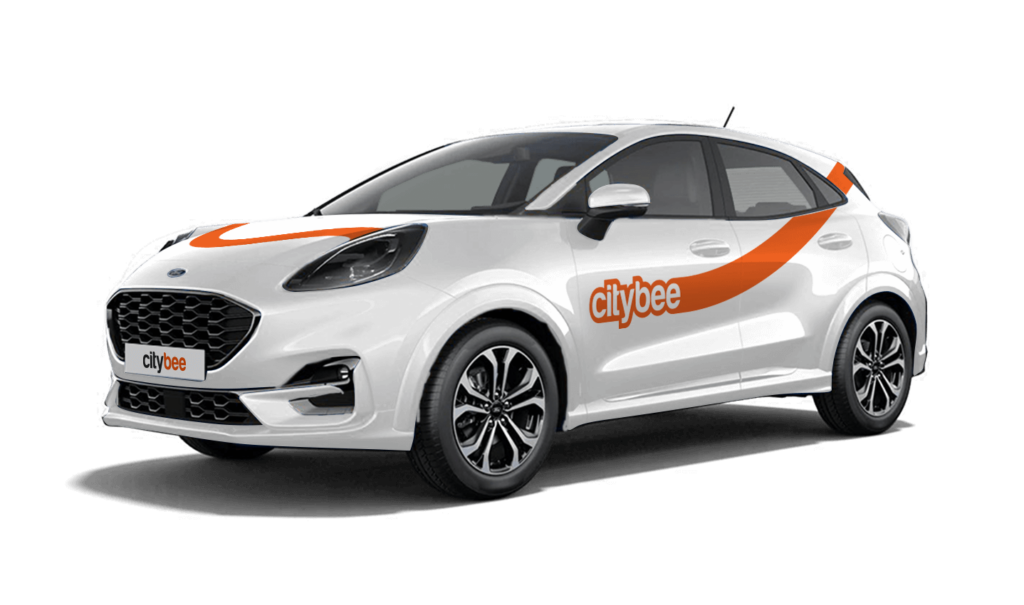
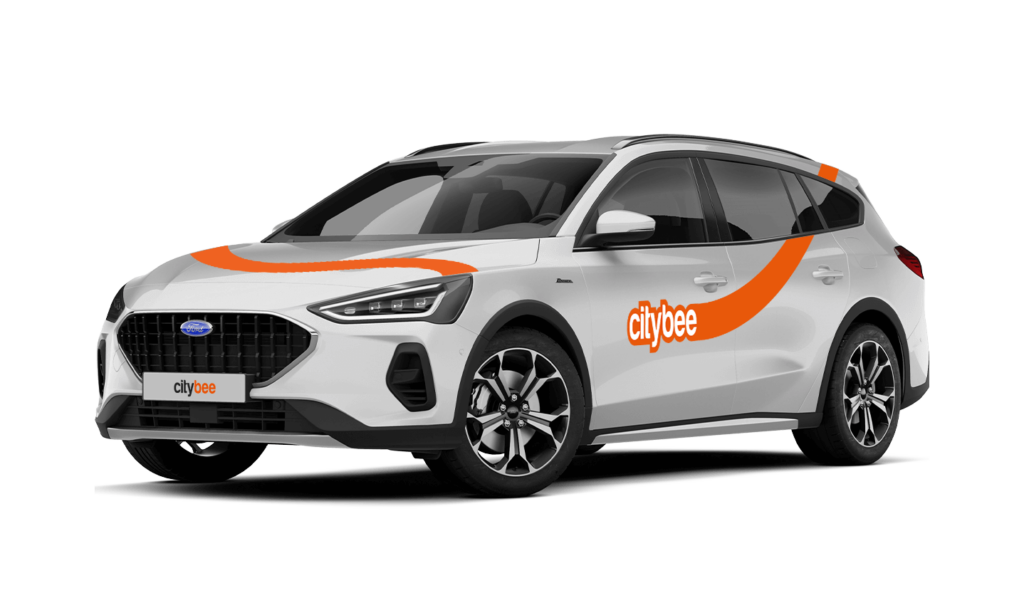
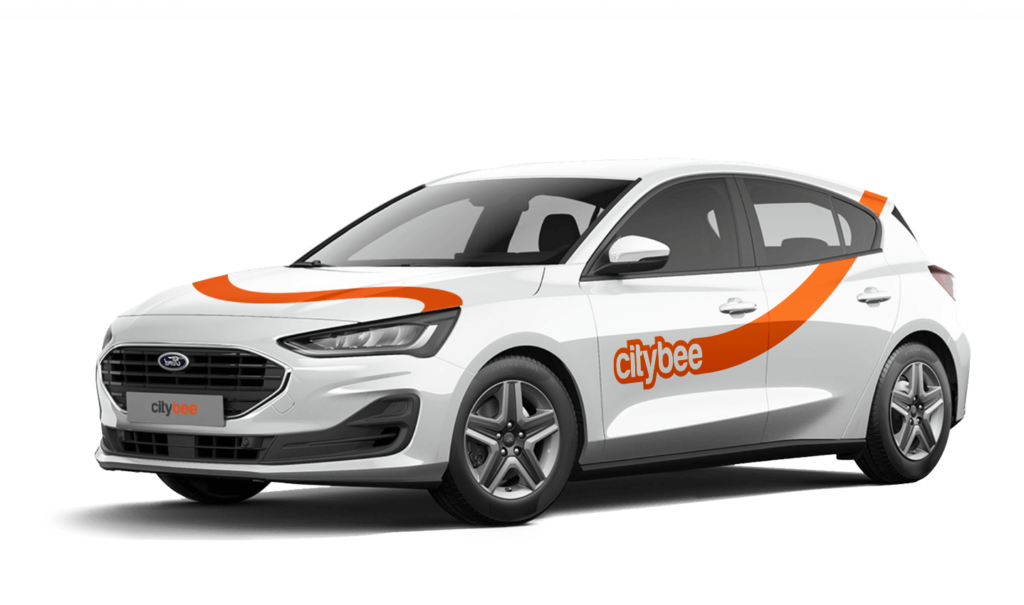
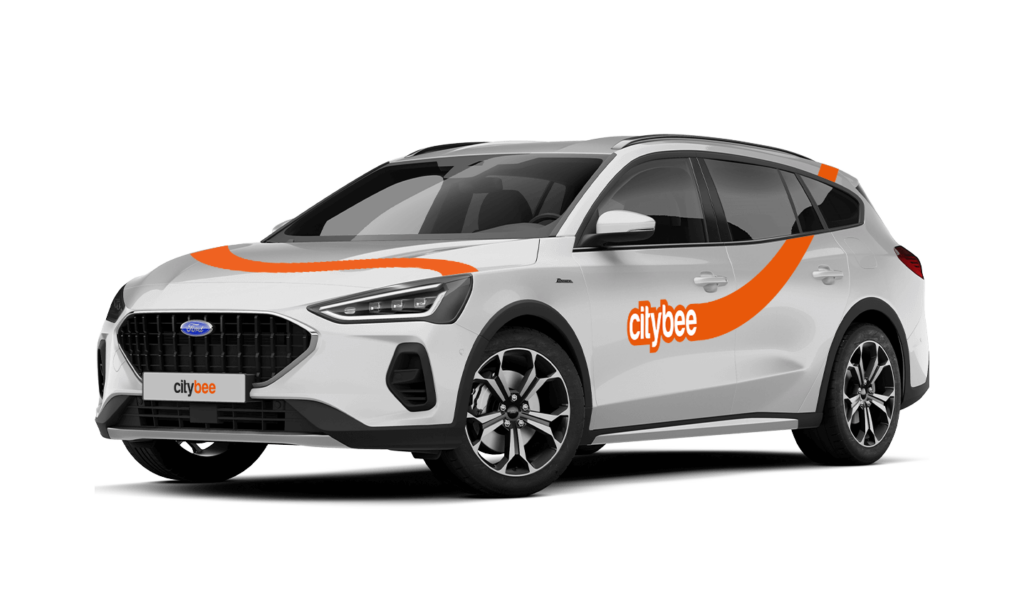
Ford Focus Wagon
The price of this journey would be
0€
Trip start fee of 0.49€ is included in the price calculation.
You will receive an email notification after each trip made with your CityBee subscription plan, informing you of the remaining trips. You can also view your remaining trips in the CityBee app by selecting the desired car for your trip.
With a CityBee subscription, you can drive any CityBee passenger car in Lithuania, except for cargo vehicles.
CityBee users do not need to purchase a Jūrmala entry pass.
If you want to change your phone number in the CityBee app, please follow these steps:
Menu > My profile > Phone number. Specify the new phone number and enter the verification code, which you will receive as an SMS to the new phone number.
If you want to change the phone number registered in the CityBee app, but cannot access your profile in the app, please send us a request by e-mail, using the e-mail address you specified in your CityBee profile, and indicate your new phone number. We will change it upon request.
If you are unable to access the email inbox associated with your account, kindly get in touch with our customer support team for further assistance.
Attention! To protect Your account and to prevent fraud, while changing the phone number, we will remove Your driver‘s license and all Your attached payment cards. Add Your driver‘s license and payment card and You will be able to use the services again.
Email for contacting (for Citybee Lithuania customers): info@citybee.lt;
Email for contacting (for Citybee Latvia customers): info@citybee.lv;
Email for contacting (for Citybee Estonia customers): info@citybee.ee.
It’s important to report damages, and here’s when:
Before starting your trip: No need to worry about minor scratches or dents—we’ll take care of those. However, if you notice anything that could make the car unsafe or unfit to drive, such as a flat tire, broken window, loose or missing trim, or a non-functioning light, please report it through the CityBee app.
During your trip: Report any damage to the vehicle that occurs, no matter how small. This includes accidents or collisions, regardless of who is at fault. By reporting promptly, you’ll ensure you’re covered by the BeeChill fee, and we’ll handle the rest. If you fail to report, you could be held responsible for damages. It’s always better to let us know right away!
If you don’t use all the kilometers and minutes allocated for a trip under the subscription plan, the unused distance and time will not be carried over to another trip.
You will receive an email notification after each trip made with your CityBee subscription plan, informing you of the plan’s expiration date. You can also check the expiration date in the CityBee app under the ‘Subscription’ section.
We rely on other legal entities in the provision of our services (data centres, document, photo verification, administration, payment, audit, accounting, legal and advisory services, debt collection, mobile app usage analysis and statistics monitoring, direct marketing, email, SMS, payment intermediaries, etc.)
In all cases, we ensure that third parties providing services comply with our obligations of confidentiality and proper protection of personal data.
If necessary, your personal data may be provided to state and municipal authorities in accordance with applicable legislation and / or our legitimate interests.
After an accident involving a CityBee car used on your behalf, your data is transferred to insurance companies and, if necessary, to other parties involved in the accident.
CityBee also has the right and, in certain cases, the obligation to pass on information about road traffic offences committed by customers (e.g., speeding, drunk-driving) to the responsible authorities (e.g., the Police).
The CityBee Privacy Policy provides detailed information on the purpose of processing your personal data and the duration of storage thereof.
The price of this journey would be
0€
Trip start fee of 0.49€ is included in the price calculation.