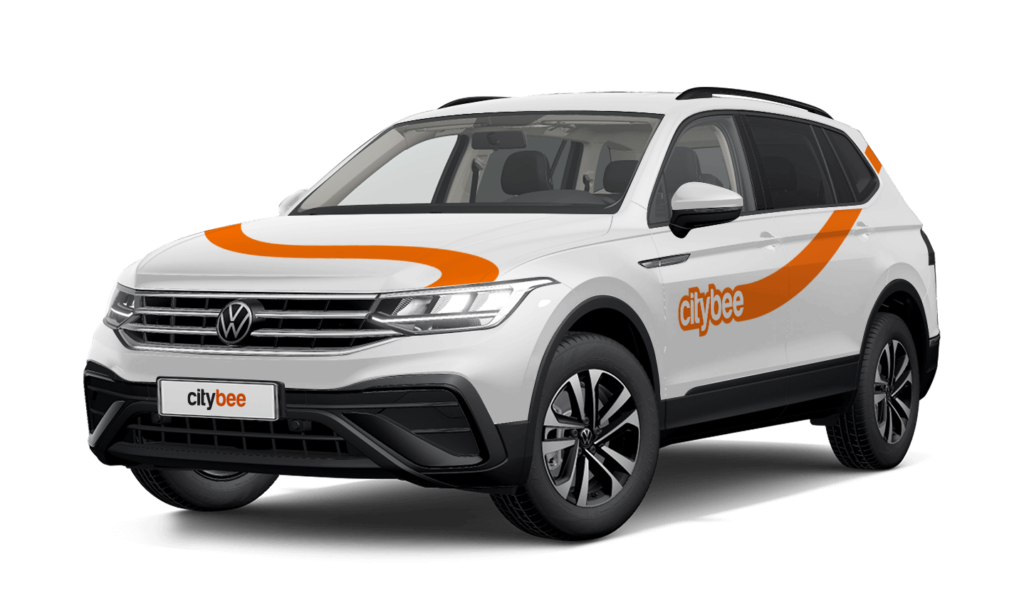
Price Calculator
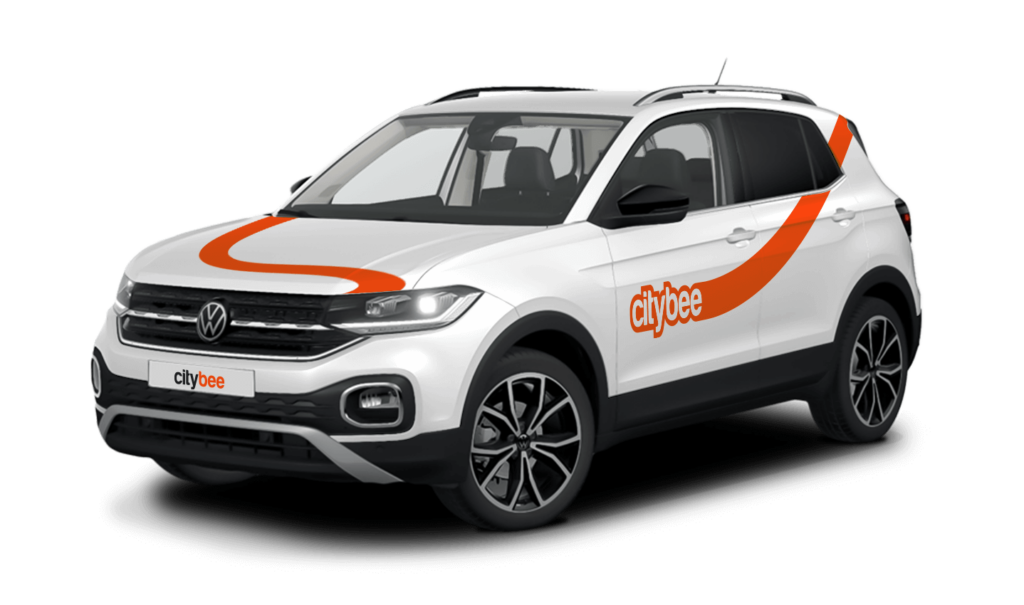
Volkswagen Tiguan
The price of this journey would be
0€
Trip start fee of 0.44€ is included in the price calculation.
BeeChill fee covers towing costs if the vehicle needs to be towed due to an accident—just make sure to inform us right away, and we’ll handle the rest.
However, the BeeChill fee does not cover towing costs in the following situations:
Running out of charge: If you discharge the EV battery, towing costs won’t be covered, as it’s your responsibility to ensure the vehicle has enough charge, just like with fuel in traditional cars.
Parking violations: If the vehicle is towed because of a traffic violation, such as parking in a restricted area, the fee will not cover the costs and you’ll be responsible for the towing charges.
In these cases, it’s important to follow traffic rules and keep an eye on the vehicle’s battery or fuel level to avoid extra costs. For more details, please refer to our Terms of Service or Pricelist.
When using CityBee, you don’t have to pay for fuel yourself – you only pay for the time and kilometers you drive.
Refueling is easy!
Go to any of our partner Circle K gas stations. Open the CityBee app and start the refueling. Follow the simple instructions, fill up, and hit the road!
If the fuel is below 1/4 of the tank, you’ll receive a €2 discount for topping up.
Step by Step refueling guide
Check the Reservation map in the app to see nearby fuel stations. Tap a station for details and directions, then drive there.
When you arrive, tap the notification or open the CityBee app, go to Reservation, and select Refuel.
The app shows available pumps. Pick your pump, activate it, and wait for confirmation.
When it says, “Ready to fuel,” pick up the nozzle and start fueling. Return the nozzle when finished. The app will update the fueling status automatically.
If you decide not to refuel, you can cancel in two ways:
Manual cancel: Pick up the nozzle and immediately return it – the refueling is canceled.
Automatic cancel: If the nozzle is never picked up, the app will automatically cancel the refueling after 2 minutes of inactivity.
In rare cases, you may need to use the fuel card inside the car. This happens if the pump doesn’t work via the app or if you’re refueling outside the Baltic States. The CityBee app shows the PIN code and fuel type under your active reservation.
Bee Chill – we’ve got your back! If you happen to have an accident and accidentally damage the vehicle, don’t stress – we’ve got you covered. Just be sure to notify us right away, and we’ll take care of the rest.
The BeeChill is a financial responsibility fee is applied to all ‘Pay as You Go’ trips, and it’s already included in the price of trip packages or trips made with a subscription plan. You can see the fee in the app before you start your trip.
This fee is designed to cover any damage to the car that may occur due to an accident where you’re at fault, except for certain situations, such as failure to report the incident to us, causing the accident while under the influence of alcohol, violating traffic regulations, etc.
For more details on your liability and any exceptions, be sure to check out our Terms of Service.
At least one payment card must be linked to a CityBee account. You can link more than one payment card and choose from which card you will be billed for services before each trip. It is important that the card type is VISA or MasterCard and that the secure internet shopping function is activated.
How do I activate the secure internet shopping function?
1. SEB: Log in to your internet bank and look for “Accounts and Cards” -> “Card List” in the menu bar at the top. You’ll see all of your cards that can be registered with the secure internet shopping programme. Next to the desired card in the options below, click on “Online Billing” and click “Enable”.
2. Swedbank: Log in to your internet bank and look for “Cards” -> “Secure internet shopping” in the menu bar on the left. You’ll see all of your cards that can be registered with the secure internet shopping programme. Select the desired card next to the note “Online Billing” and click “Enable”.
3. Šiaulių Bankas: Log in to your Internet bank and in the menu on the left, select “Cards” -> “Secure payment” -> select the payment card for which you want to activate the secure internet shopping and click “Register” -> enter the requested data and confirm it by pressing the “Enter and Sign” button -> soon the status of the card will change to “Registered”.
4. Luminor bank: Log in to your Internet bank and in the menu, select the item “Payment cards” -> select the payment card for which you want to activate the secure internet shopping and in the opened window click “Secure shopping service settings” -> select the “Order service” button -> enter the requested data, which the bank will show you later during the purchase -> click “Order service”.
5. Citadele bank: No additional activation of the secure internet shopping is required.
If you want to use the car for a day, a week, or longer, you can choose from our prepaid package deals.
The price of the fixed prepaid package will be charged at the beginning of the trip and the price for the extra kilometers and/or time will be charged during or at the end of the journey, depending on the length of your trip.
You can find all of the prepaid packages in the CityBee app by clicking on the chosen car reserve button.
If you happen to exceed the kilometers and /or time included in the price of the package, you will be able to continue the journey safely.
After the prepaid package ends (mileage and time included are finished), you will be paying for additional minutes and/or kilometers as specified in the chosen package deal.
You can also continue your trip by purchasing one more additional prepaid package without completing the active reservation.
If you decide to end the trip before using the time and /or kilometers indicated on the prepaid package, this balance will not be refunded.
Use is no different from a short-term CityBee rent, and all the benefits offered (insurance, fuel, washing) remain as well.
Choose the car you want from the CityBee fleet, reserve it, and start your journey.
We process your personal data in accordance with the General Data Protection Regulation (BDAR) and other legal requirements.
In order to provide you with services and administer them, we process your name, contact details, other data required for the use and provision of the services. The CityBee Privacy Policy provides detailed information on the purpose of processing your personal data and the duration of storage thereof.
Please note that electric cars can be found in Lithuania and Estonia.
Lithuania:
Make sure the car is unlocked.
Open Charger socket cover on the car which is next to the driver’s door (in the case of the VW e-Crafter electric van) or behind the rear door (in the case of light electric vehicles). If the cover does not open, click “Unlock” on the car key.
In case of charging the vehicle at the “IgnitisON” or “ElintaCharge” fast charging station:
Use the right-most charging wire (“Type 2”) that is already connected to the charging station.
Attention: Wire configurations may vary in some charging stations, so you can only find a Type 2 or “CCS” type wire.
Take the car keys and find the charging token attached (there are two tokens: one for “IgnitisON” and one for “ElintaCharge”).

Approach the charging station and scan the charging token.

Choose the charging slot (“Pasirinkite jungtį”) by pressing a button next to the shown option.

Press the button “Pradėti” to start charging.

In case of charging the vehicle at a 2-slot “ElintaCharge” station:
Take the charging wire from under the middle seat of a CityBee car:
• In the case of the VW e-Crafter electric van – under the front center seat.


• In the case of a passenger car – to the spare wheel space in the trunk.

2. Put one side of the charger wire in the car electric socket and another side into the charging station.


3. Scan the RFID token with “ElintaCharge” written on it.

4. The word “Charging” should start lightning, which means the vehicle is being charged.

Check the car’s charging socket (the green light should be lightning; if there is an orange light or no light at all, it means that the car is not being charged) and the information screen behind the steering wheel (it should indicate that the car is being charged with an indicated time left until fully charged).

Estonia:
Make sure the car is unlocked
Open the charger socket cover, which is located behind the rear door. If the cover does not open, click “Unlock” on the car key.
Charging the vehicle in ‘Eleport’ charging station:
Take the ‘Eleport’ charging card from the sun visor and tap it on the screen

Select either ‘CCS’ or ‘Type 2’ charging option and connect it to the car

Press ”start charging” to start the charging process

To make sure the car is charging, check the charging port to see, if there is a green light.

During your CityBee subscription period, you can choose between using a subscription plan trip or purchasing a pre-paid trip package for a longer route at the start of each trip. The pay-as-you-go pricing will automatically apply only if you exceed the allocated kilometers and/or minutes for the subscription plan or the additionally purchased package.
The price of this journey would be
0€
Trip start fee of 0.44€ is included in the price calculation.