Price Calculator
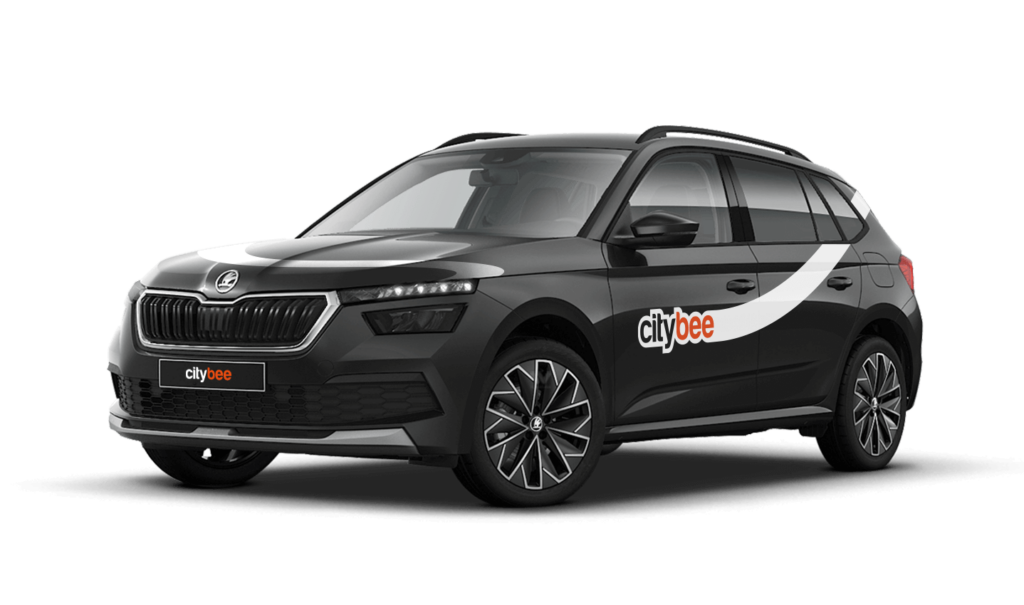
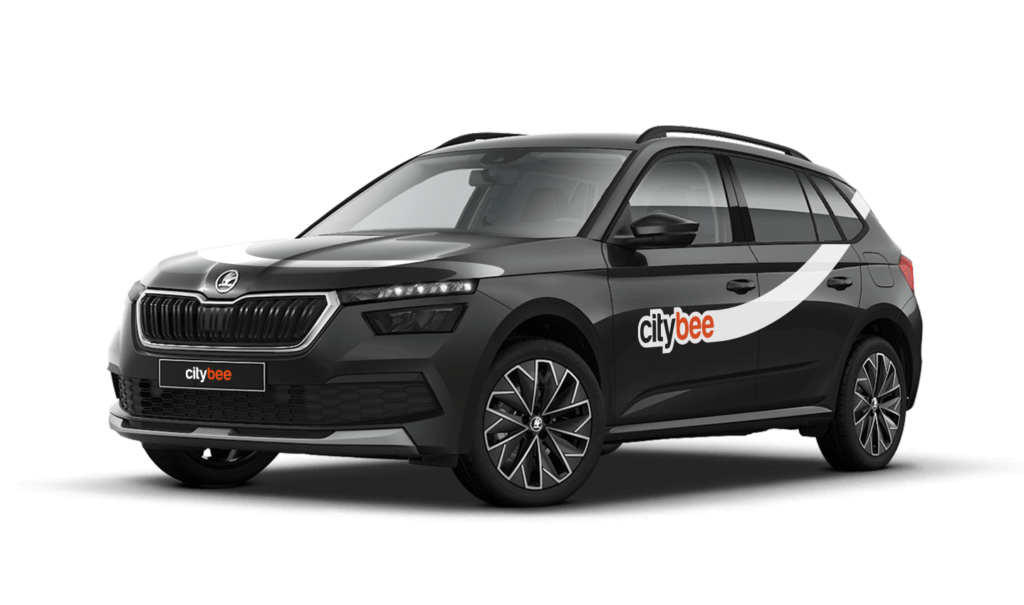
Skoda Kamiq
The price of this journey would be
0€
Trip start fee of 0.44€ is included in the price calculation.
At least one payment card must be linked to a CityBee account. You can link more than one payment card and choose from which card you will be billed for services before each trip. It is important that the card type is VISA or MasterCard and that the secure internet shopping function is activated.
How do I activate the secure internet shopping function?
1. SEB: Log in to your internet bank and look for “Accounts and Cards” -> “Card List” in the menu bar at the top. You’ll see all of your cards that can be registered with the secure internet shopping programme. Next to the desired card in the options below, click on “Online Billing” and click “Enable”.
2. Swedbank: Log in to your internet bank and look for “Cards” -> “Secure internet shopping” in the menu bar on the left. You’ll see all of your cards that can be registered with the secure internet shopping programme. Select the desired card next to the note “Online Billing” and click “Enable”.
3. Šiaulių Bankas: Log in to your Internet bank and in the menu on the left, select “Cards” -> “Secure payment” -> select the payment card for which you want to activate the secure internet shopping and click “Register” -> enter the requested data and confirm it by pressing the “Enter and Sign” button -> soon the status of the card will change to “Registered”.
4. Luminor bank: Log in to your Internet bank and in the menu, select the item “Payment cards” -> select the payment card for which you want to activate the secure internet shopping and in the opened window click “Secure shopping service settings” -> select the “Order service” button -> enter the requested data, which the bank will show you later during the purchase -> click “Order service”.
5. Citadele bank: No additional activation of the secure internet shopping is required.
Pets can only be carried in cars in special pet transport boxes. Also, please make sure of the cleanliness and leave the car the way you would like to find it.
If you want to change your phone number in the CityBee app, please follow these steps:
Menu > My profile > Phone number. Specify the new phone number and enter the verification code, which you will receive as an SMS to the new phone number.
If you want to change the phone number registered in the CityBee app, but cannot access your profile in the app, please send us a request by e-mail, using the e-mail address you specified in your CityBee profile, and indicate your new phone number. We will change it upon request.
If you are unable to access the email inbox associated with your account, kindly get in touch with our customer support team for further assistance.
Attention! To protect Your account and to prevent fraud, while changing the phone number, we will remove Your driver‘s license and all Your attached payment cards. Add Your driver‘s license and payment card and You will be able to use the services again.
Email for contacting (for Citybee Lithuania customers): info@citybee.lt;
Email for contacting (for Citybee Latvia customers): info@citybee.lv;
Email for contacting (for Citybee Estonia customers): info@citybee.ee.
We process your personal data on the basis of your consent in order to conclude, execute, and administer the agreement concluded with you, to comply with the requirements of legal acts, and for the legitimate interest.
The CityBee Privacy Policy (https://citybee.lt/en/privacy-policy/) provides detailed information on the purpose of processing your personal data and the duration of storage thereof.
Before you hit the road, we’d love for you to do a quick check to make sure the car is roadworthy. If you notice anything that might make it unsafe or unsuitable to drive, just let us know through the CityBee app. This simple check helps keep our cars in great shape and ensures a smooth, safe ride for you!
To sign up, you need to download the CityBee app to your smart iOS or Android phone.
To register, enter the requested personal data and a valid telephone number to verify signing up.
The final step is to link a payment card to your CityBee account.
If you want to use a car-sharing service, you must confirm your driving license’s validity. You can do it just in a few minutes by following the instructions in the app!
The CityBee subscription is a test service. We are constantly looking for new ways to help our customers travel more affordably and conveniently. In planning the CityBee subscription, we considered the needs of our most active customers and decided to offer plans for the most common types of city trips, allowing customers to enjoy cost-effective travel without worrying about time. We will periodically evaluate the service’s activity and improve it as needed. All customer feedback and expectations are highly appreciated. If you have any comments, please reach out to info@citybee.lt.
CityBee reserves the right to change the terms of the CityBee subscription at any time.
The radar function in the CityBee app helps the user to be the first to know if any of the CityBee cars are nearby his location at a specific time chosen by the user.
The radar function icon can be found in the ‘Search’ section of the app, to the left of the ‘Filter’ icon. When you click on the icon and activate the radar, it will turn blue.
The minimum radar distance is 150 meters, the maximum – 1250 meters.
When activating the radar, you can choose between two options:
Notification without automatic reservation – when a CityBee car appears at the specified time and distance, the app will send a message to the user to inform them about it.
Automatic reservation – when a CityBee car appears at the specified time and distance, an automatic car reservation will be made by choosing the ‘Flexible’ pricing. The tariff can be changed after car reservation. Car reservation remains free until the end of the free reservation period (15 min).
Additional information:
The radar function will be activated at the specified time and will remain active until you reserve your car. If the car is not available within 2 hours, the radar will switch off. The radar function detects only cars that are incoming in the current location of the user and chosen distance when the radar function is activated.
The price of this journey would be
0€
Trip start fee of 0.44€ is included in the price calculation.