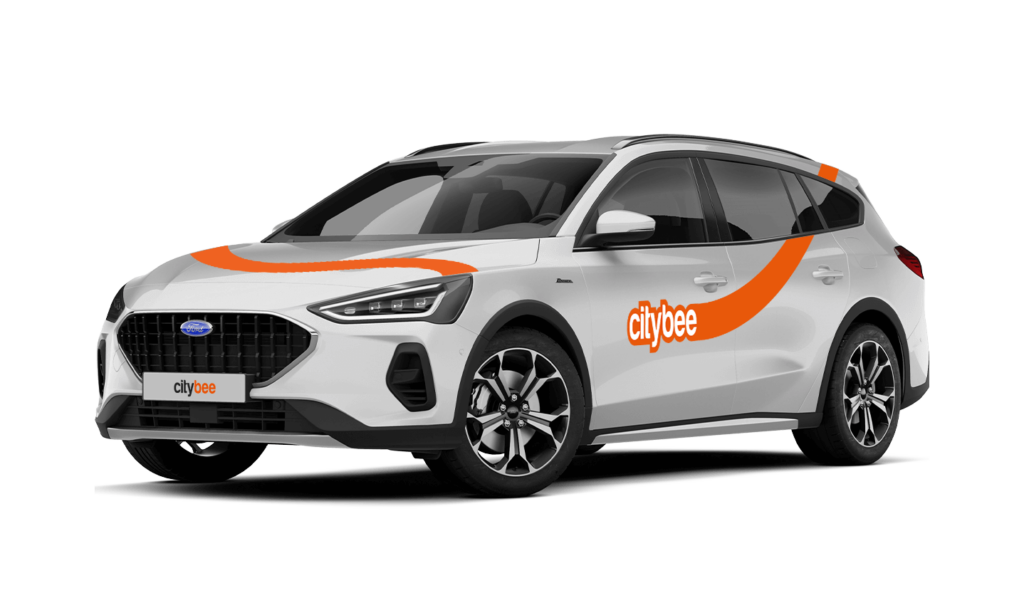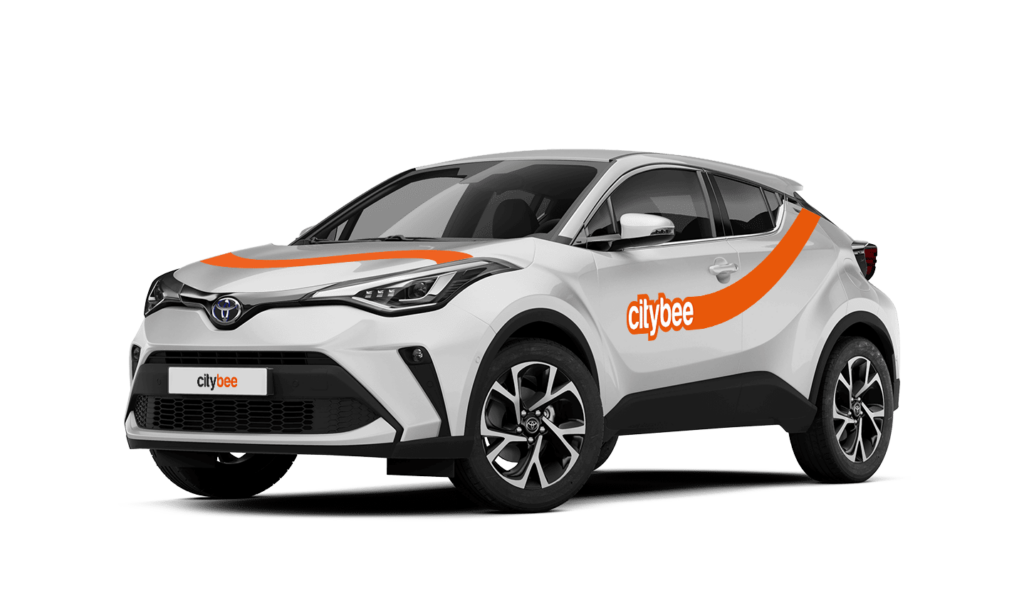
Price Calculator
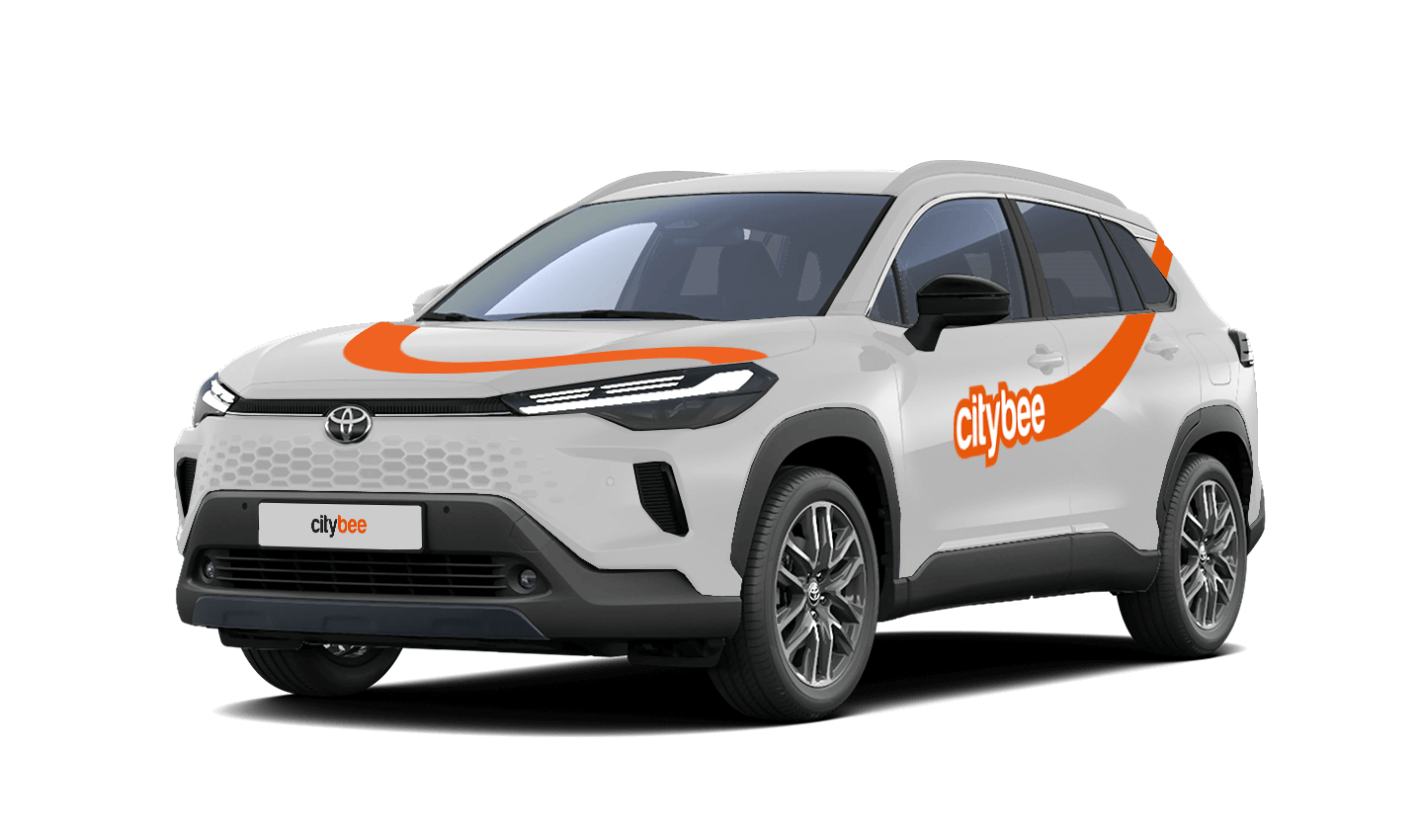
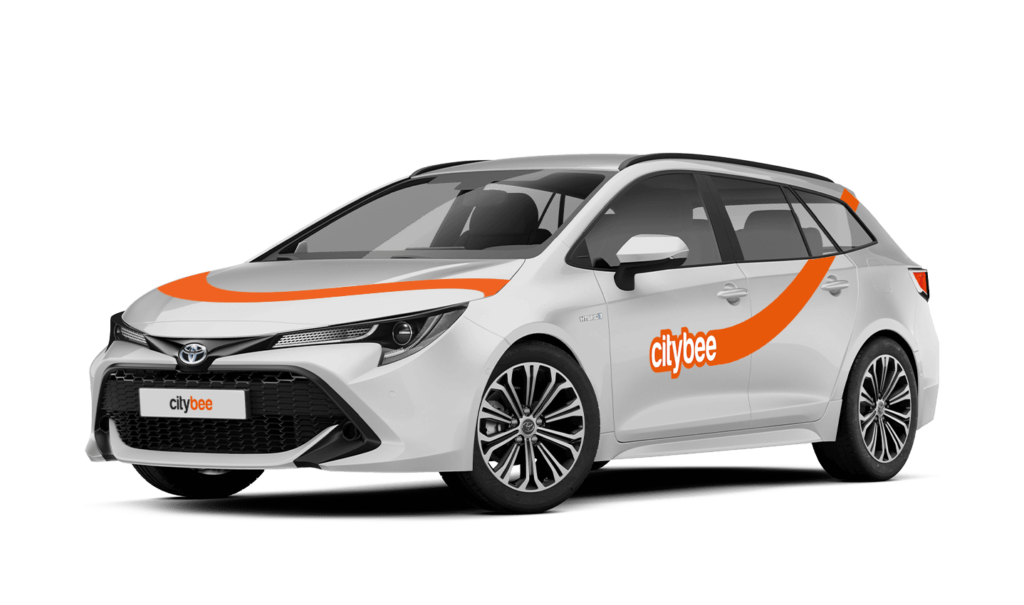
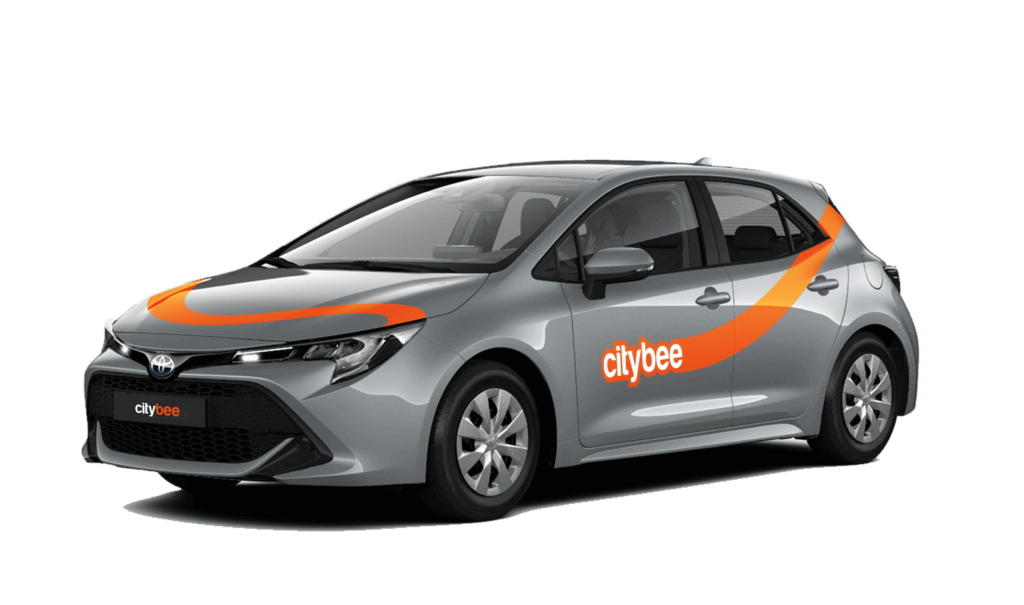
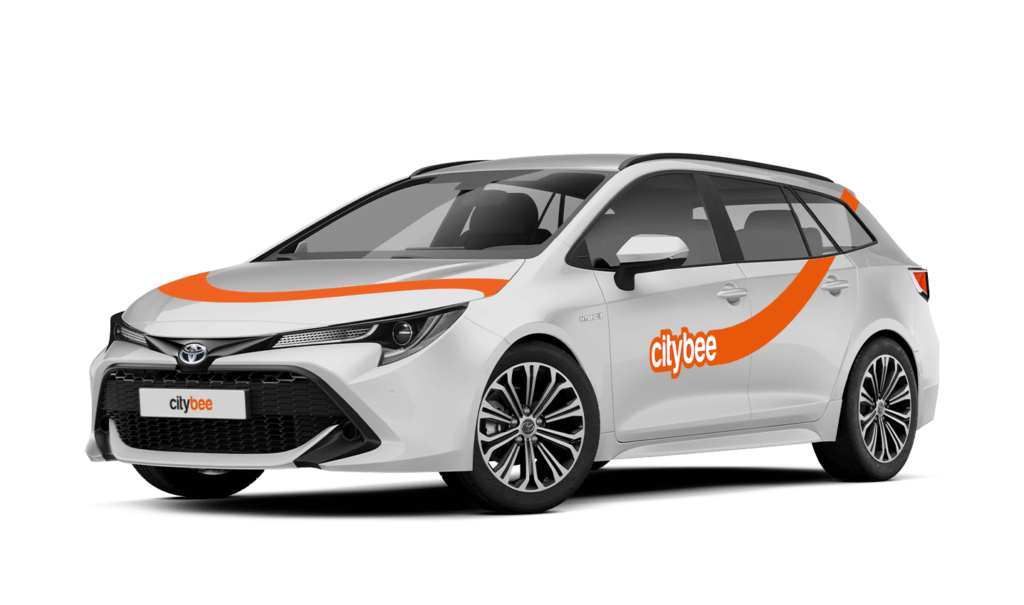
Toyota Corolla Touring
The price of this journey would be
0€
Trip start fee of 0.49€ is included in the price calculation.
The radar function in the CityBee app helps the user to be the first to know if any of the CityBee cars are nearby his location at a specific time chosen by the user.
The radar function icon can be found in the ‘Search’ section of the app, to the left of the ‘Filter’ icon. When you click on the icon and activate the radar, it will turn blue.
The minimum radar distance is 150 meters, the maximum – 1250 meters.
When activating the radar, you can choose between two options:
Notification without automatic reservation – when a CityBee car appears at the specified time and distance, the app will send a message to the user to inform them about it.
Automatic reservation – when a CityBee car appears at the specified time and distance, an automatic car reservation will be made by choosing the ‘Flexible’ pricing. The tariff can be changed after car reservation. Car reservation remains free until the end of the free reservation period (15 min).
Additional information:
The radar function will be activated at the specified time and will remain active until you reserve your car. If the car is not available within 2 hours, the radar will switch off. The radar function detects only cars that are incoming in the current location of the user and chosen distance when the radar function is activated.
If you experience a flat tire during your trip, don’t worry—we’re here to help! Here’s what you should do:
Pull over safely: First and foremost, make sure you stop the car in a safe location.
Contact us immediately: Let us know about the flat tire as soon as possible by reaching out through the CityBee app or our customer service. We’ll guide you on the next steps and assist with any necessary arrangements.
Don’t attempt repairs on your own: We’ll take care of everything, so there’s no need to replace the tire yourself. Just follow the instructions provided by our team.
The good news is that the BeeChill fee is designed to cover tire repairs, provided that you follow our Terms of Service and adhere to traffic laws. You’ll be covered as long as the flat tire isn’t caused by actions like driving on it while it’s flat, causing more damage, or failing to report the incident.
For more details, please take a moment to review our Terms of Service. We’re here to support you and ensure your experience is as smooth as possible!
We process your personal data in accordance with the General Data Protection Regulation (BDAR) and other legal requirements.
In order to provide you with services and administer them, we process your name, contact details, other data required for the use and provision of the services. The CityBee Privacy Policy provides detailed information on the purpose of processing your personal data and the duration of storage thereof.
CityBee cars are new and in good technical condition. However, if your car does not start or breaks down (if you hear a strange sound, a red indicator lights on the dashboard or there are other signs of breakdown), please contact us by phone:
CityBee Lithuania contacts: +37070077084, info@citybee.lt;
CityBee Latvia contacts: +371 27265460, info@citybee.lv ;
CityBee Estonia contacts: +372 600 0160, info@citybee.ee.
Our task is to provide the services you need as soon as possible and smoothly so that any breakdown on the road will cause the least inconvenience and you will be able to continue your trip as soon as possible. No matter where in the city you are, we will quickly make conditions to continue your trip and you will get a compensation.
Signing up for CityBee is free. And no membership fees are applied.
You can submit your request for the exercise of your rights (as far as your Account is concerned) to us in the following ways:
submitting a request at e-mail info@citybee.lt; info@citybee.lv; info@citybee.ee, from email that is registered in your CityBee account that you want to delete;
submitting a request by e-mail at info@citybee.lt; info@citybee.lv; info@citybee.ee, signed with qualified e-signature (e.g. by use of Smart-ID or M-signature);
In the CityBee app, by selecting Menu -> My profile -> Delete my account.
From now on, before starting the trip, we will ask you to check the car and inform us only if there are any obvious defects that make the car unsuitable for its intended purpose (5.3.19, 5.15).
1. Make a short inspection of the car;
2. Check whether there is any damage that could make the car unsafe or unsuitable for driving (for example flat tires, moderate or severe body damage, etc.) if there is any – please report it using the CityBee app;
3. If the damage is minor (e.g. small scratches or dents) – You do not have to report it and you can safely start the trip!
If the damage impacts your ability to drive safely or you’re uncertain, please reach out to us via email, in-app chat, or phone. Please include a photo to help us assess the situation more accurately.
If the car is dirty – you can select the “report” function in the reservation and the technical team will clean the car at the first opportunity.
You can contact us here:
LT- info@citybee.lt
LV- info@citybee.lv
EE- info@citybee.ee
In that case, we recommend purchasing a pre-paid trip package. Before starting your trip, you can choose whether you want to use a subscription plan trip or buy a pre-paid package. You can select from available packages or create your own.
The price of this journey would be
0€
Trip start fee of 0.49€ is included in the price calculation.