Price Calculator
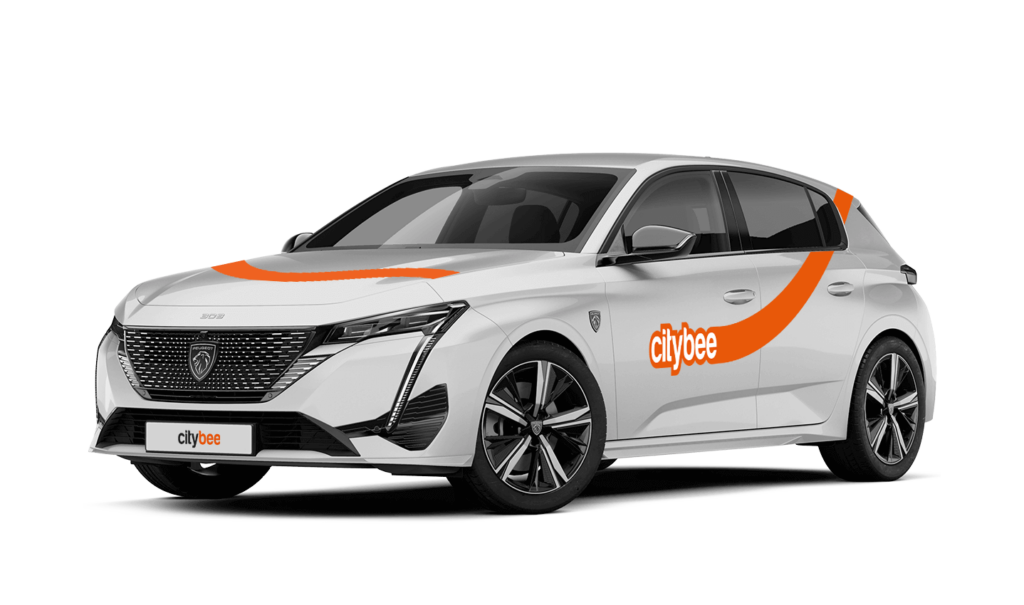
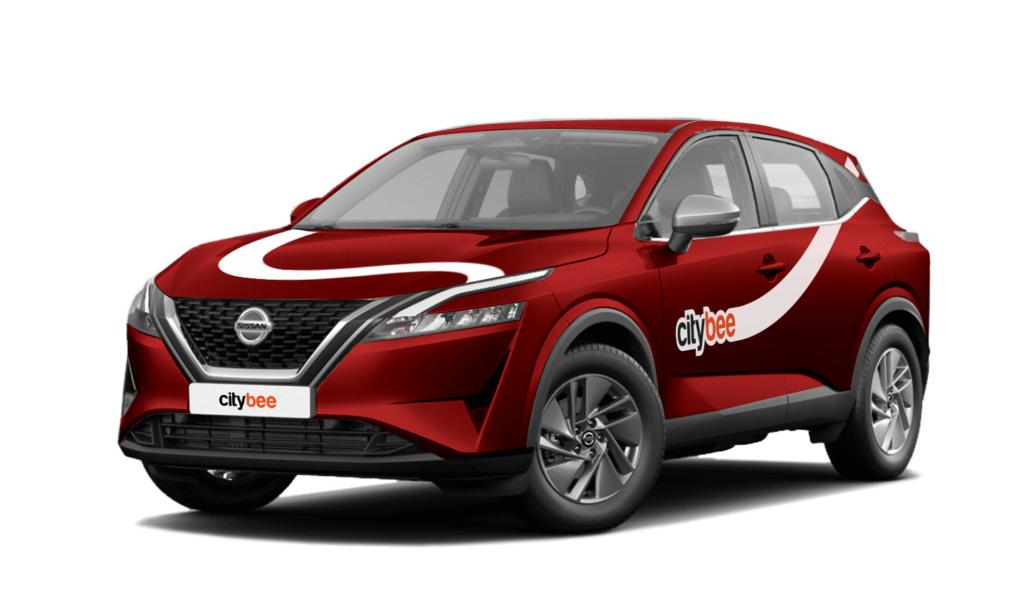
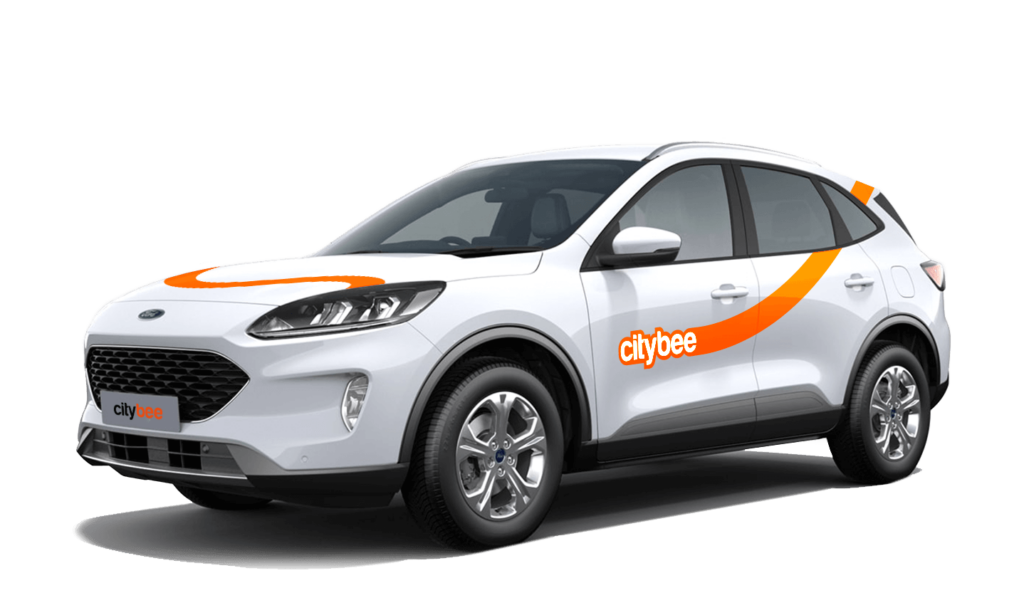
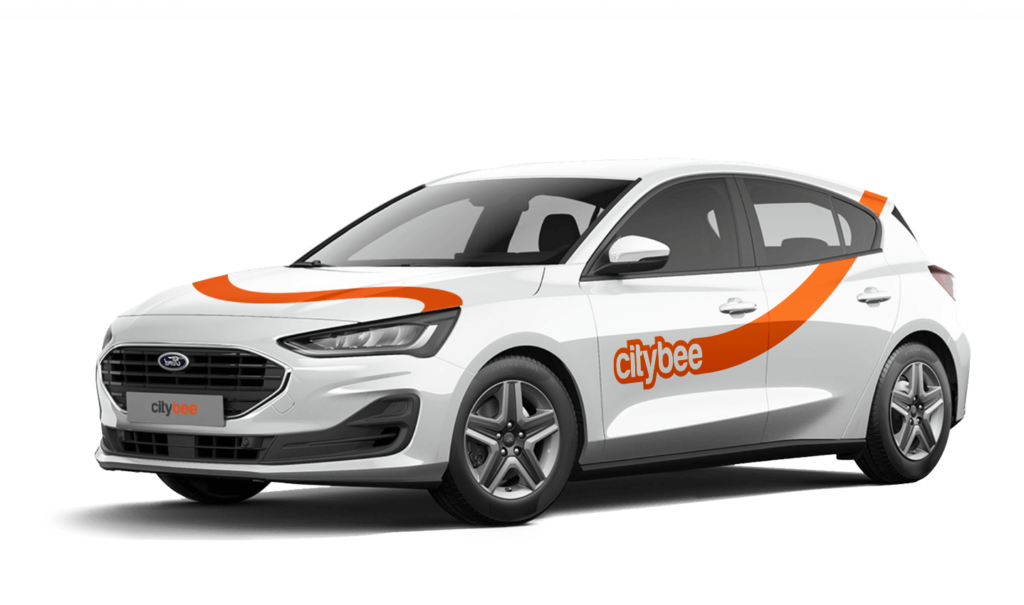
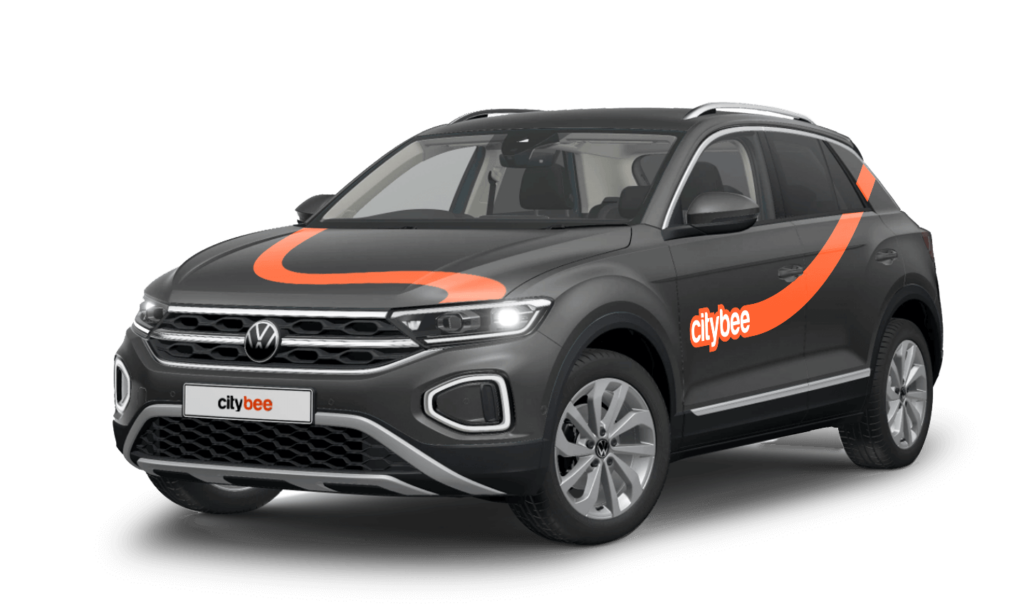
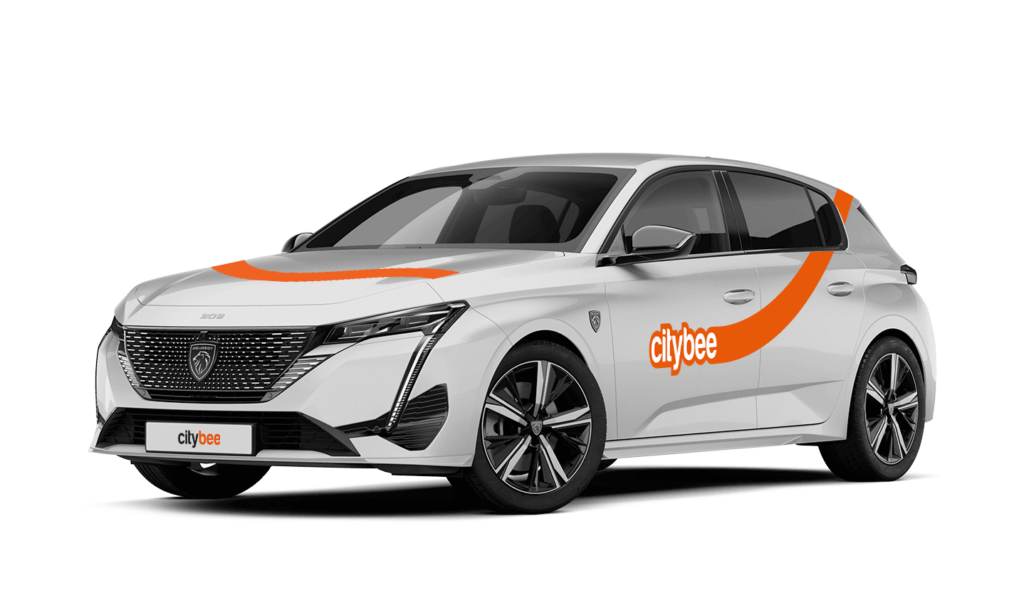
Peugeot 308
The price of this journey would be
0€
Trip start fee of 0.49€ is included in the price calculation.
The radar function in the CityBee app helps the user to be the first to know if any of the CityBee cars are nearby his location at a specific time chosen by the user.
The radar function icon can be found in the ‘Search’ section of the app, to the left of the ‘Filter’ icon. When you click on the icon and activate the radar, it will turn blue.
The minimum radar distance is 150 meters, the maximum – 1250 meters.
When activating the radar, you can choose between two options:
Notification without automatic reservation – when a CityBee car appears at the specified time and distance, the app will send a message to the user to inform them about it.
Automatic reservation – when a CityBee car appears at the specified time and distance, an automatic car reservation will be made by choosing the ‘Flexible’ pricing. The tariff can be changed after car reservation. Car reservation remains free until the end of the free reservation period (15 min).
Additional information:
The radar function will be activated at the specified time and will remain active until you reserve your car. If the car is not available within 2 hours, the radar will switch off. The radar function detects only cars that are incoming in the current location of the user and chosen distance when the radar function is activated.
Vans have their own parking zones, which are different from the ones for cars. Just tap the van icon in the app to see where you can go. The color-coding works the same way you’re used to:
– Clear zones – Park or end your trip here anytime, as long as you follow regular parking rules
– Yellow zones – These might add a small fee or give you a discount when you start or finish a trip. Tap the € symbol to check the exact amount for that zone
– Grey zones – No ending trips here, sorry!
The good news? You don’t have to bring the van back to where you picked it up. Any allowed van zone works.
One thing to keep in mind: Electric vans have their own special zones. If you plan to drive an electric van, make sure to select it in the app, that way you’ll only see their specific zones.
For more details on parking zones, see our guide here.
In the CityBee app, parking zones marked in yellow usually have a drop-off and/or pick-up fee for CityBee cars. This fee does not apply to trips made under the CityBee subscription. The drop-off fee in the yellow CityBee zone is not charged even if the trip starts under the subscription plan but ends with the ‘Flexible’ pricing due to exceeding the allocated kilometers and/or minutes in the subscription plan.
When purchasing additional trips, i.e., trip packages, during the subscription period, the CityBee drop-off and/or pick-up fee waiver in the yellow zone does not apply for the package trips.
For more information on CityBee parking zones, click here.
If you don’t use all the kilometers and minutes allocated for a trip under the subscription plan, the unused distance and time will not be carried over to another trip.
It’s important to report damages, and here’s when:
Before starting your trip: No need to worry about minor scratches or dents—we’ll take care of those. However, if you notice anything that could make the car unsafe or unfit to drive, such as a flat tire, broken window, loose or missing trim, or a non-functioning light, please report it through the CityBee app.
During your trip: Report any damage to the vehicle that occurs, no matter how small. This includes accidents or collisions, regardless of who is at fault. By reporting promptly, you’ll ensure you’re covered by the BeeChill fee, and we’ll handle the rest. If you fail to report, you could be held responsible for damages. It’s always better to let us know right away!
You can find the fuel type in the CityBee app, under active reservation.
Once payment is made for a CityBee subscription plan, it cannot be canceled or paused. The payment for the plan is non-refundable. The CityBee subscription plan cannot be sold or transferred to another person.
BeeChill fee can cover accidental interior damage, as long as the damage wasn’t intentional, and you inform us about the incident right away. We understand that accidents happen, and we’re here to help.
However, the BeeChill fee does not cover the damages caused by things like smoking, excessive trash, or spills that require dry cleaning. For these situations, a cleaning fee will apply. For more details, please check our Pricelist.
The price of this journey would be
0€
Trip start fee of 0.49€ is included in the price calculation.