Price Calculator
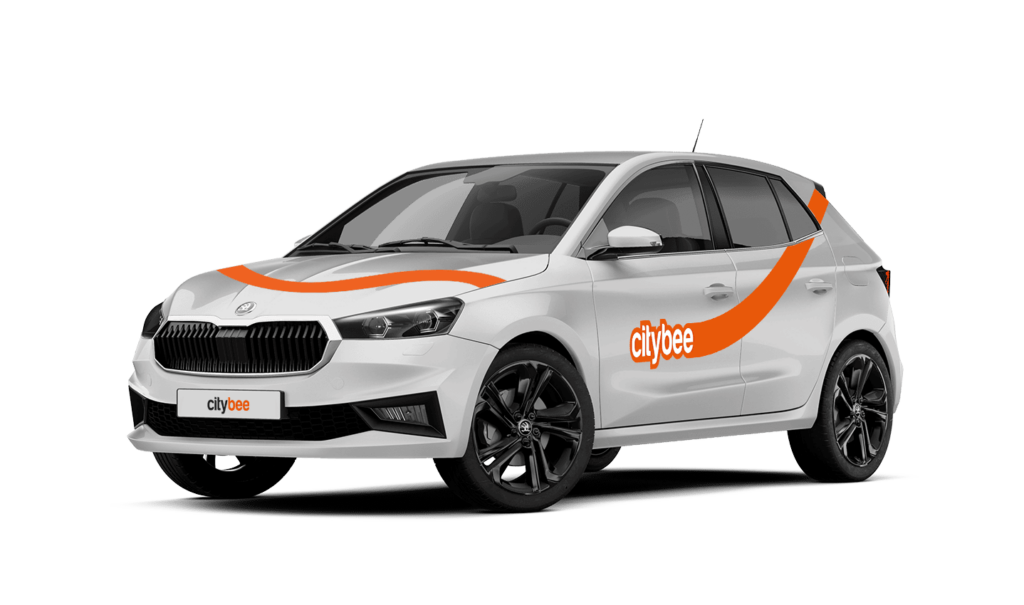
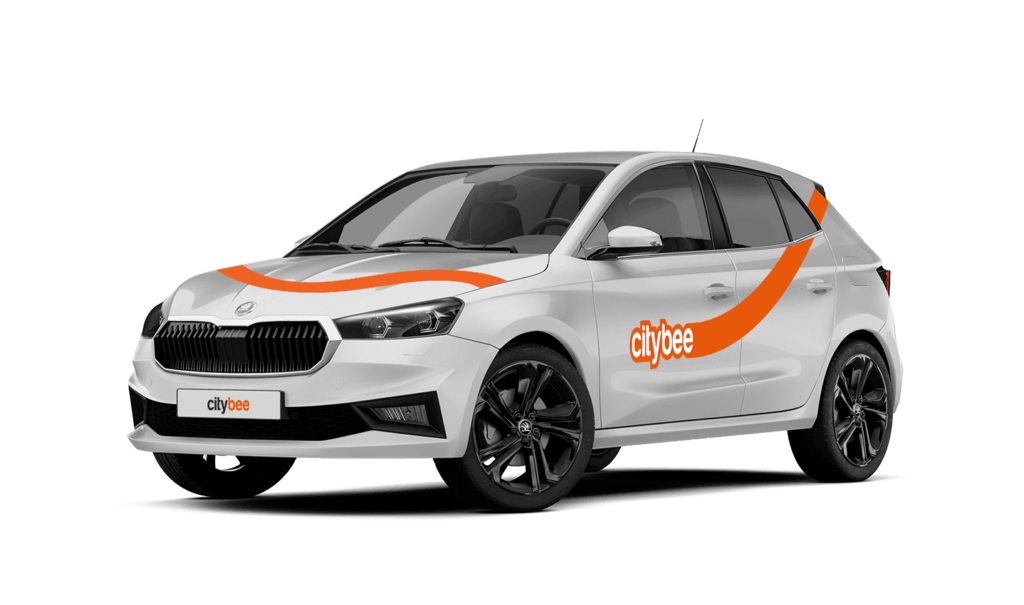
Skoda Fabia
The price of this journey would be
0€
Trip start fee of 0.49€ is included in the price calculation.
Left something behind? You’ve got 24 hours to grab it for free.
Just reserve and unlock the same car like you normally would. You’ll have 5 free minutes to collect your stuff. Important: don’t turn on the ignition unless you’re planning to drive. If you stay longer than 5 minutes, you’ll automatically start a paid reservation.
After 24 hours, you can still find the car on our live map. If you don’t see your vehicle on the map, it may be in use by another customer at the moment. You can find available vehicles here:
Lithuania: https://map.citybee.lt/#/main-map
Estonia: https://map.citybee.ee/#/main-map
Latvia: https://map.citybee.lv/#/main-map
Need a hand? Reach out at info@citybee.lt, info@citybee.lv, info@citybee.ee, or through the in-app chat.
The CityBee subscription is a test service. We are constantly looking for new ways to help our customers travel more affordably and conveniently. In planning the CityBee subscription, we considered the needs of our most active customers and decided to offer plans for the most common types of city trips, allowing customers to enjoy cost-effective travel without worrying about time. We will periodically evaluate the service’s activity and improve it as needed. All customer feedback and expectations are highly appreciated. If you have any comments, please reach out to info@citybee.lt.
CityBee reserves the right to change the terms of the CityBee subscription at any time.
Registration at CityBee is quick and easy. You don’t need to come anywhere – register with the mobile CityBee app and start using it! Registration will take just a few minutes.
The Night Reservation package lets you reserve a car in the evening, and it will be waiting for you until the morning – perfect if you need a car early the next day or just want peace of mind.
The package is available from Sunday to Thursday, and can only be purchased between 9:00 PM and 11:00 PM. You’ll still see the package in the app during the day, but it will not be available for purchase outside of these hours.
❗If you already have an active reservation, you will still be able to purchase this package.
You can purchase only one Night Reservation package at a time.
To make sure you don’t miss it, you can set a reminder in the app – you’ll receive a push notification as soon as the Night package becomes available.
Here’s how it works:
Choose any car between 9 PM and 11 PM and select the Night Reservation package for just €4.99.
The car will be reserved for you overnight.
If you’re not planning to drive right away, you can come to the car when it suits you. Reservation will extend automatically.
During the 9-hour night reservation, you only pay for the kilometers driven – no minute charges apply.
After the 9 hours, regular minute and kilometer rates will apply
Car screenwash can not be purchased with a „Circle-K“ card.
The CityBee subscription is a monthly trip plan that allows you to travel much more affordably than with the ‘Flexible’ pricing and offers exclusive benefits for subscribers. When you purchase a subscription plan for a fixed price, you’ll receive a set number of trips. Each trip includes a predetermined number of kilometers and minutes, as well as the trip start fee and minimum trip cost. You have 30 days from the date of purchase to use your trips.
Regardless of the number of trips, the CityBee monthly subscription plan also includes the following benefits:
free parking in the CityBee yellow zone;
‘BeeChill’ fee included in the price.
If you exceed the maximum allotted time or distance during a trip, standard CityBee per-minute and per-kilometer rates will apply according to the ‘Flexible’ pricing for the selected car model. Immediately after your trip, you will receive an invoice via email detailing the additional charges for extra kilometers and/or minutes. This amount will be charged to the payment card linked to your CityBee account.
If, for any reason, the additional charges cannot be deducted from your payment card and a debt is incurred, you will not be able to start a new trip until the outstanding balance is settled.
If you’d like to use the car-sharing service, you’ll need to confirm the validity of your driver’s license.
You can do this in just a few minutes by following the steps in the ‘CityBee’ app. Open the app, choose Add driver’s license and enter your driver license number.
We now offer several ways to confirm your license:
Smart-ID or Mobile-ID
Available for users whose driver’s license can be verified through these electronic identification methods.
Uploading photos
If you prefer pictures, you can complete the process by taking a few photos directly in the app. You’ll be asked to:
1) Take a selfie;
2) Take a selfie while holding your driver’s license;
3) Take a photo of the front side of the document.
Whichever method you choose, please make sure your document is valid and undamaged. When taking photos ensure good lighting and that document is removed from any cover or case so your document number, personal identification number, and personal photo can be clearly seen.
Note: We accept only photocard driver’s licenses.
The price of this journey would be
0€
Trip start fee of 0.49€ is included in the price calculation.