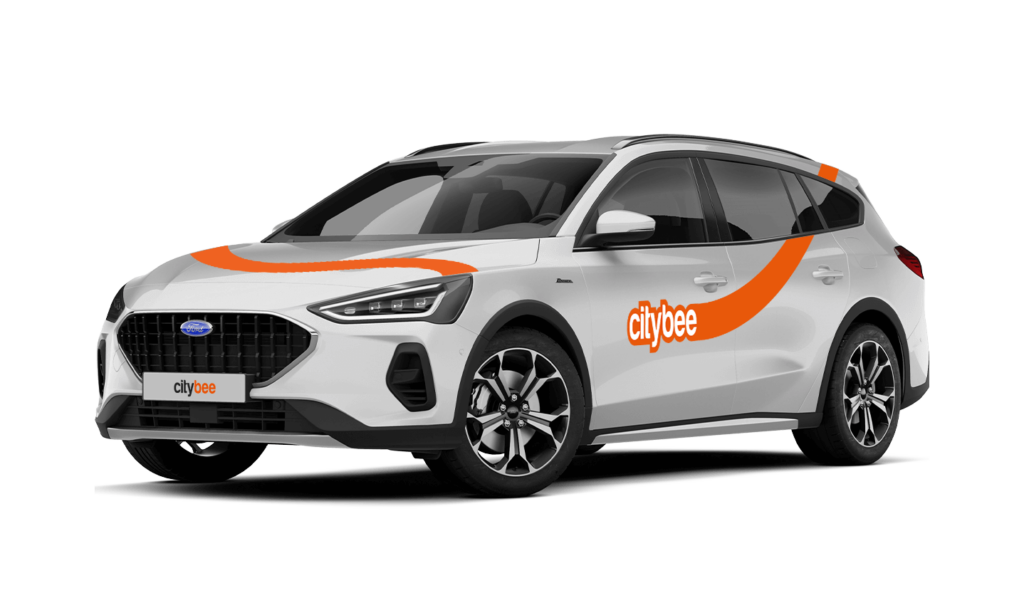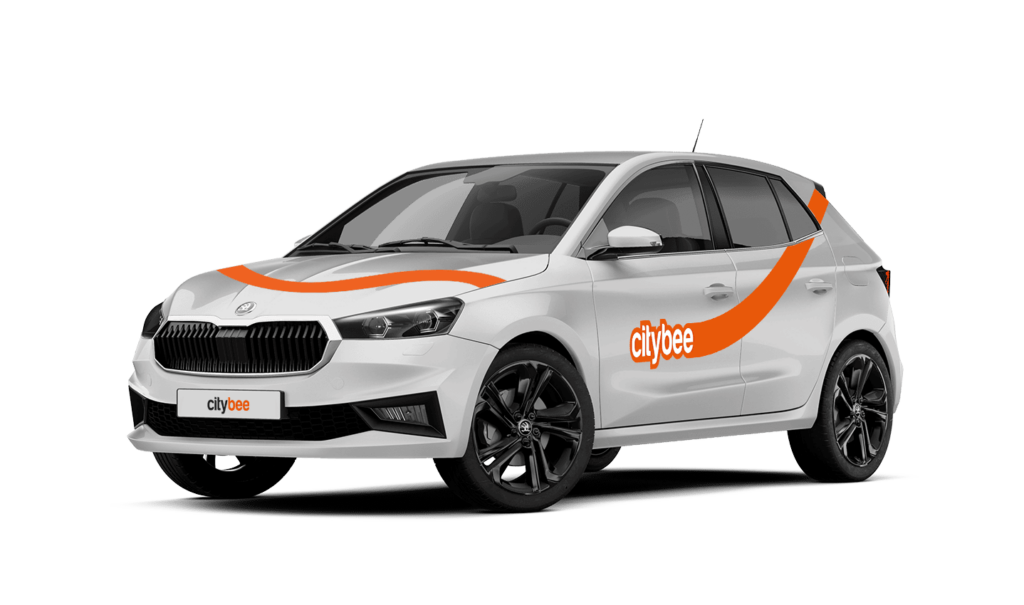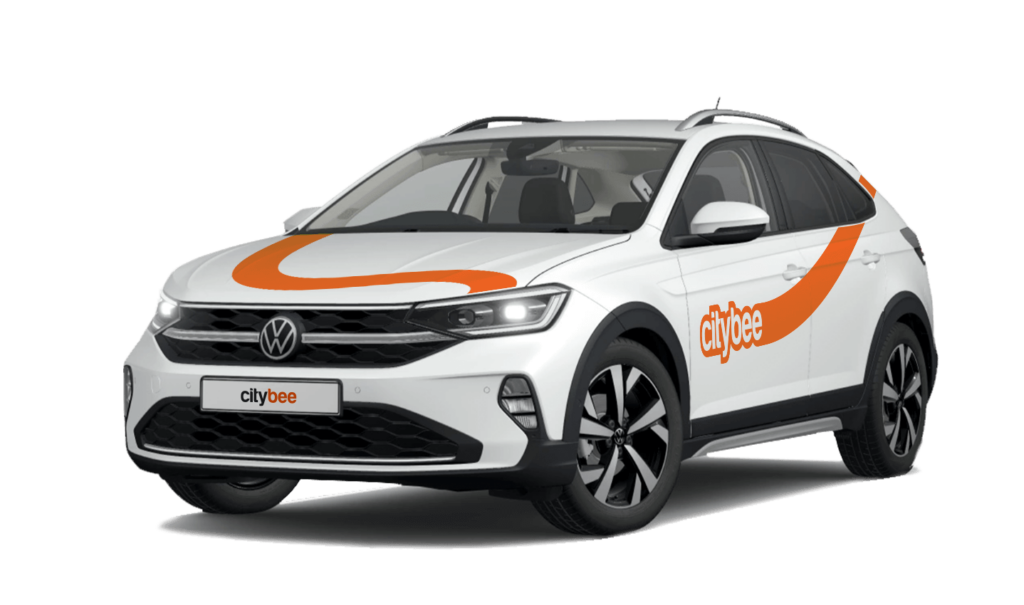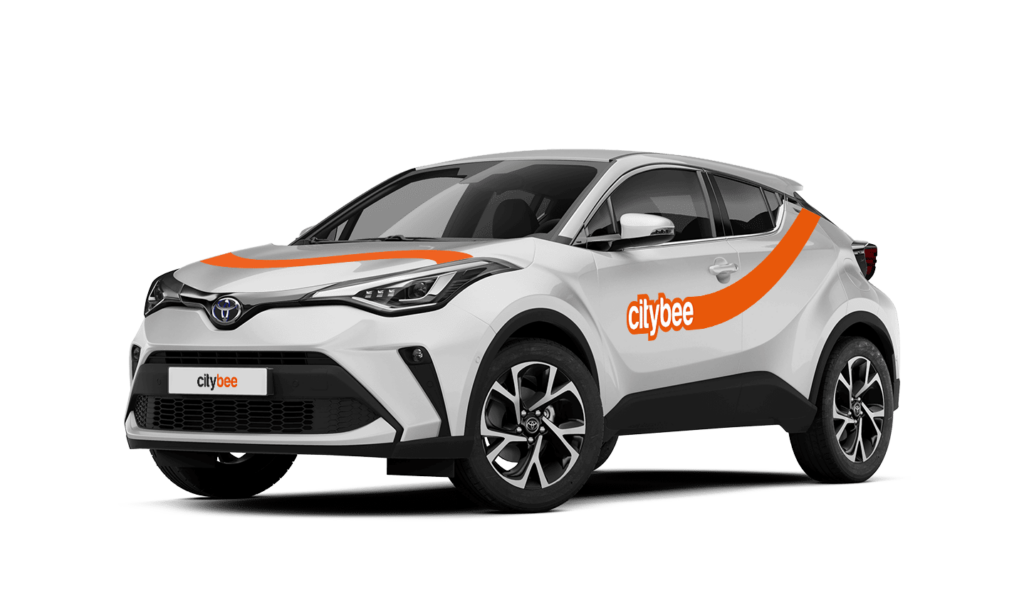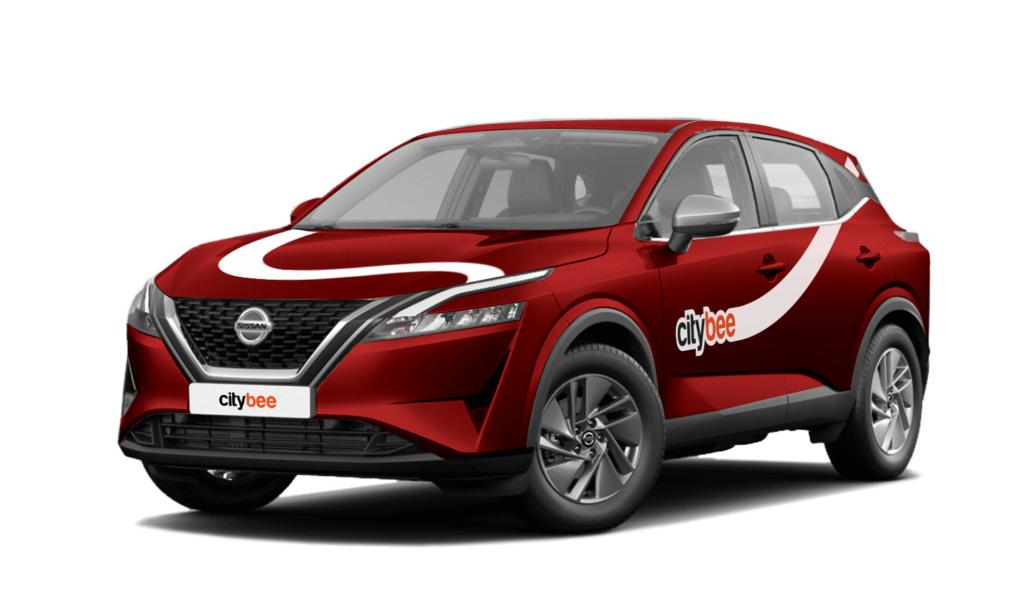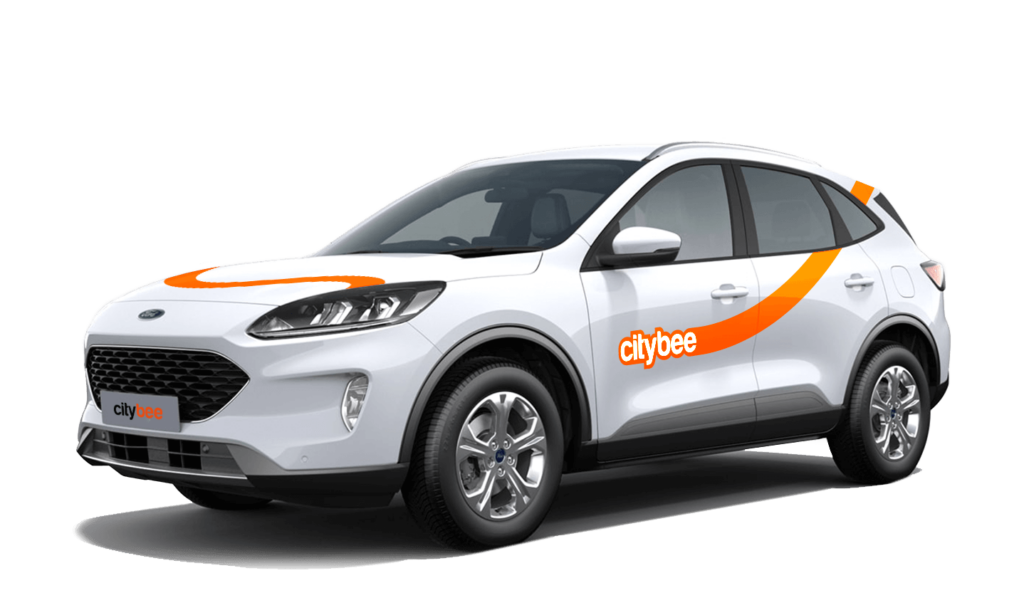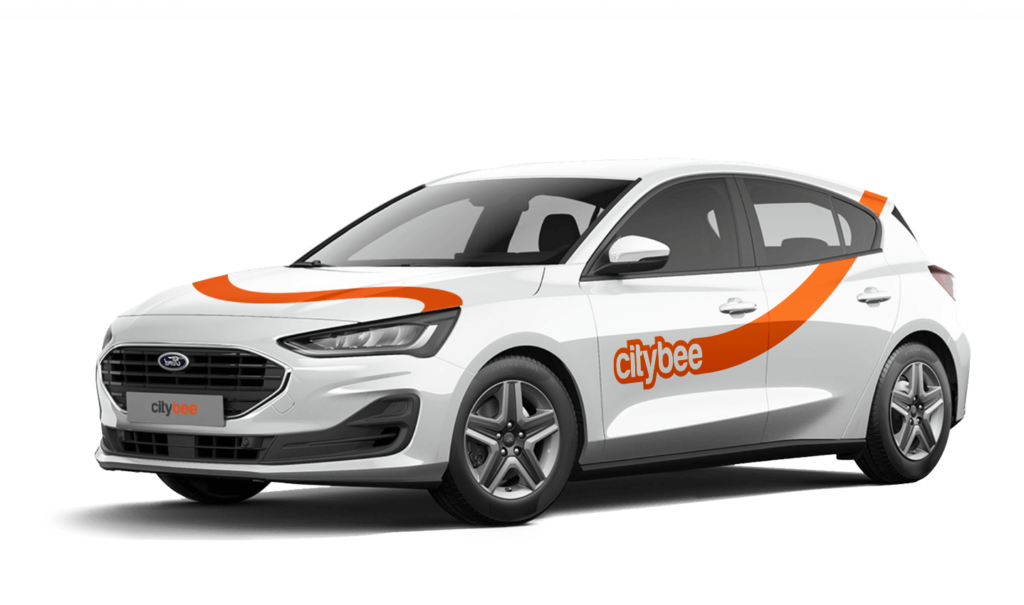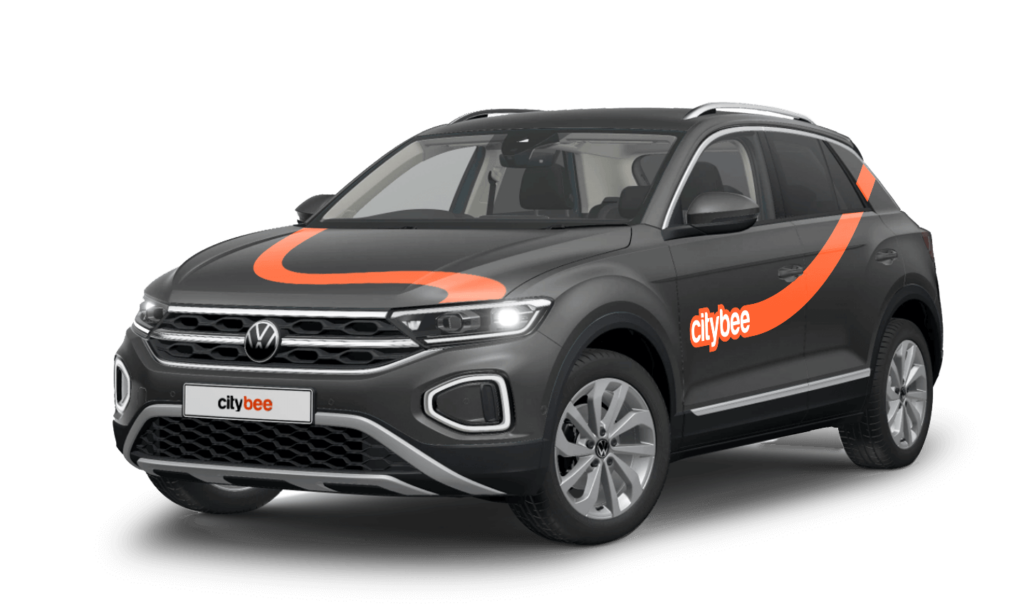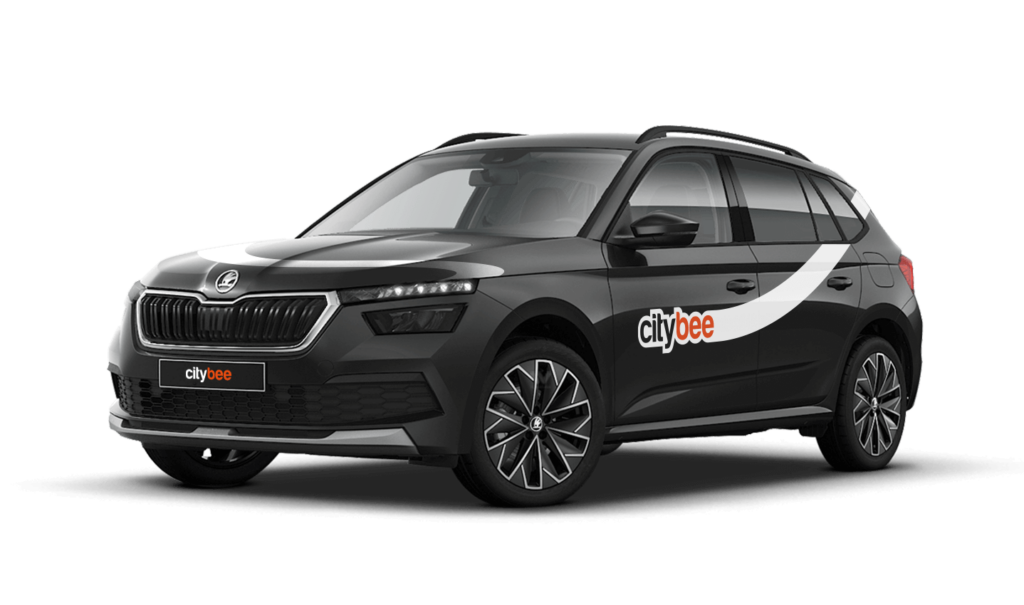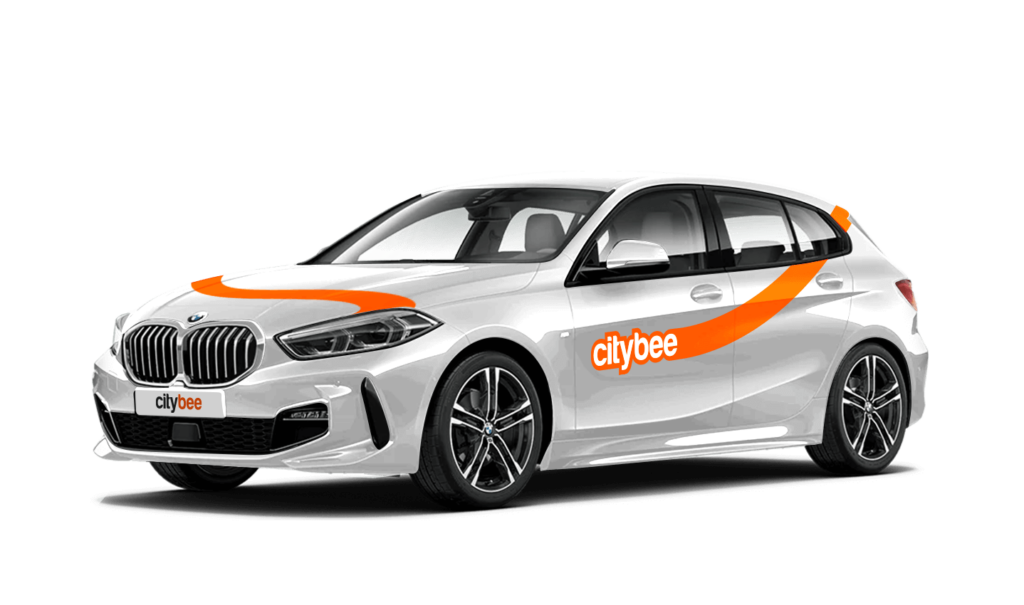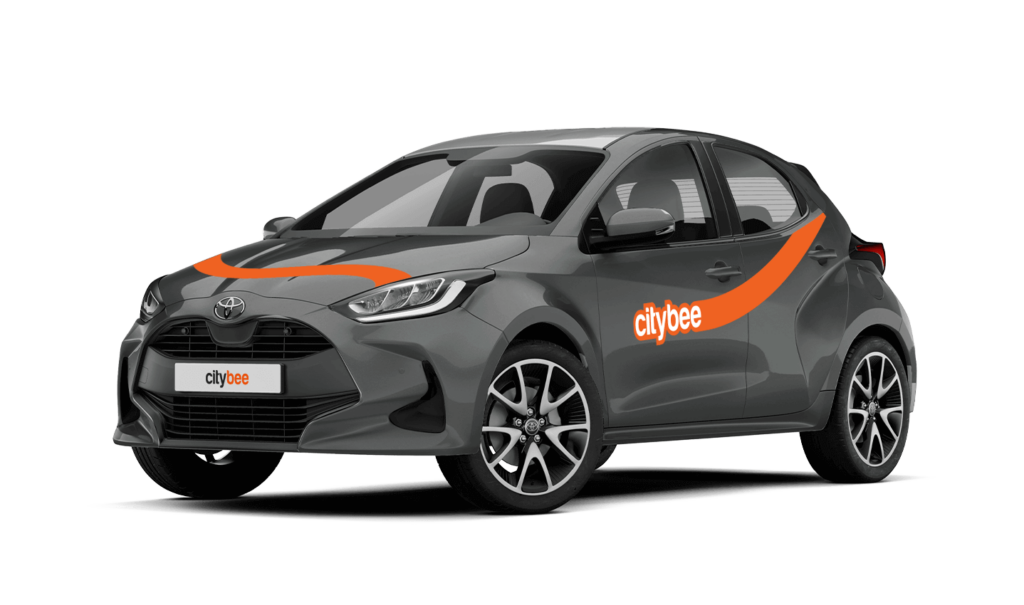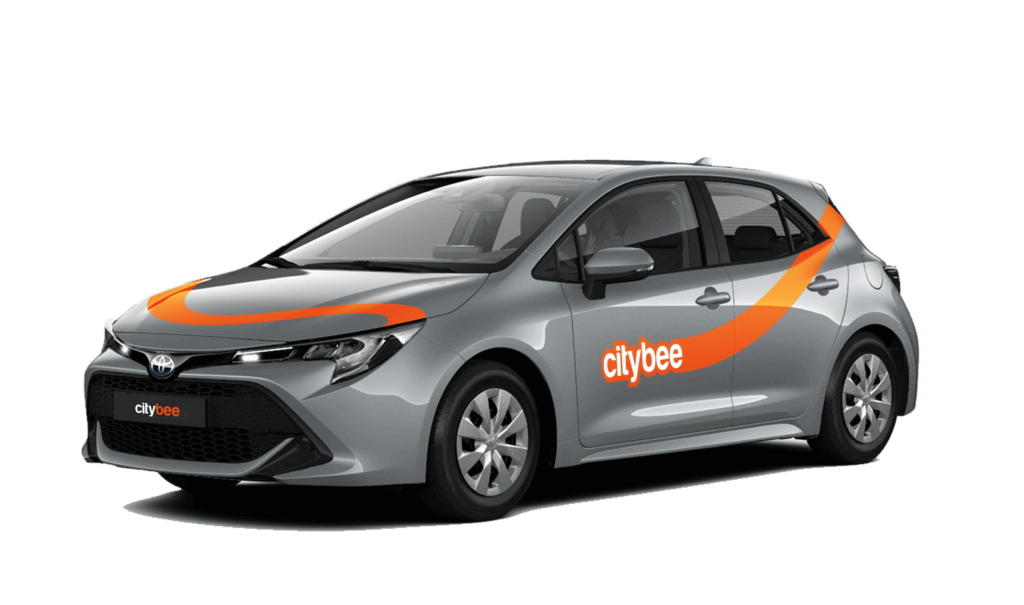
Price Calculator
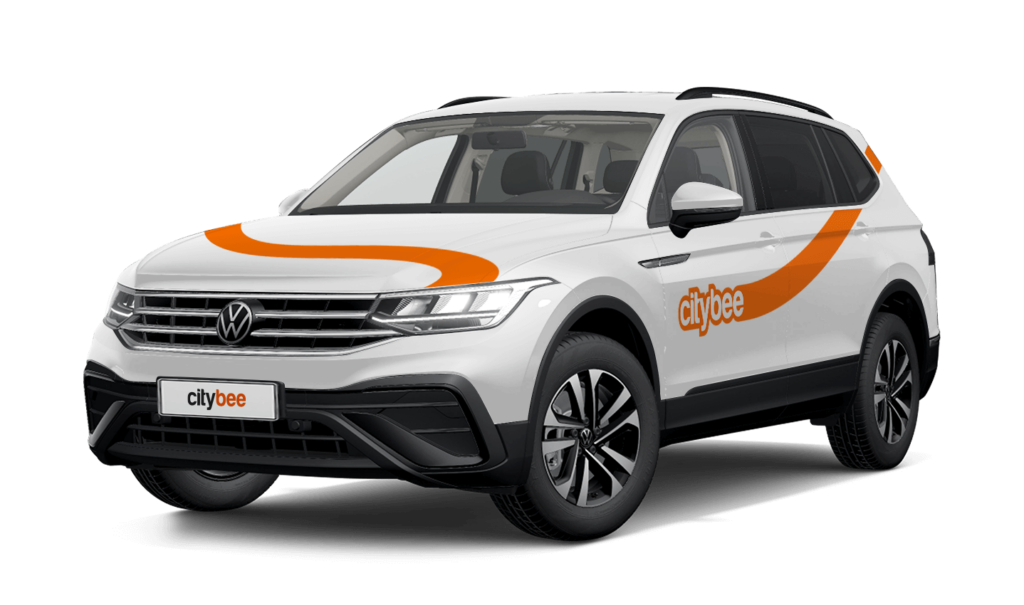
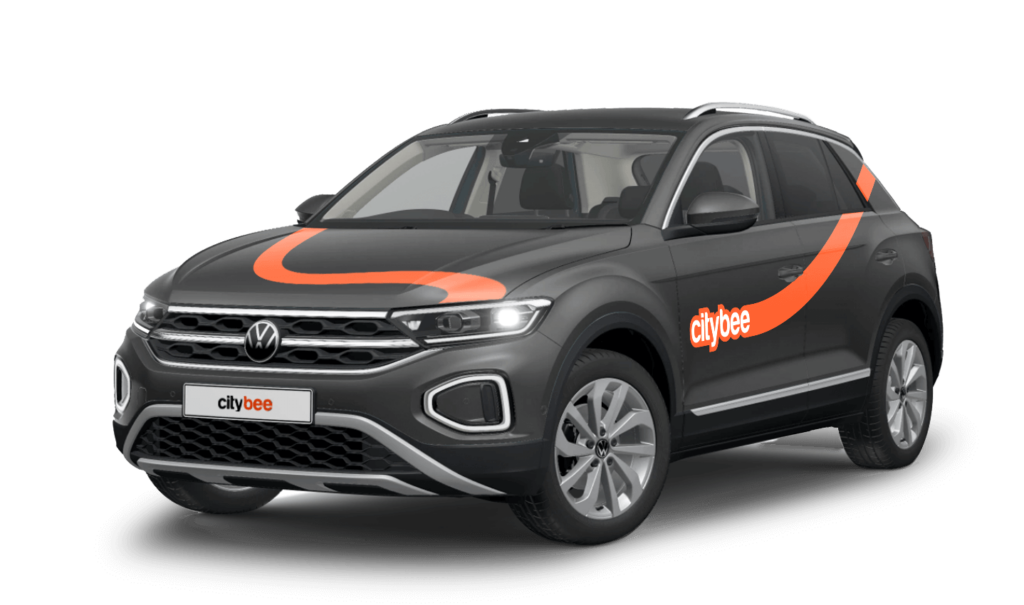
VW T-Roc
The price of this journey would be
0€
Trip start fee of 0.49€ is included in the price calculation.
Vignette and toll road rules depend on the country you are driving in:
Vignettes are required for vans when driving on toll roads.
Drivers must purchase the vignette themselves and cover any applicable road charges.
You can find toll roads here:
https://lakd.lrv.lt/lt/keliu-mokesciai-ir-rinkliavos/naudotojo-mokestis/apmokestinti-keliai
You can purchase the vignette here:
https://pirkti.keliumokestis.lt/purchase/cart.xhtml
No vignette is required when driving within Latvia.
All necessary road charges are already included in the service price.
A vignette is required only if the vehicle weight exceeds 3500 kg.
If applicable, the driver must purchase it.
You can purchase the vignette here:
https://www.teetasu.ee/
If you plan to drive outside the country where the vehicle was rented, please check the vignette and toll requirements in advance, as additional charges may apply.
You can find the fuel type in the CityBee app, under active reservation.
Smoking is prohibited in CityBee cars. A fine for smoking in a car is €70.
You can change your email address in the mobile app.
Select Menu – My profile – E-mail address – Replace the previous e-mail address with a new one.
You will receive an email at the new address with a confirmation link. You will need to click it to confirm the new email address.
All CityBee cars are covered by compulsory Civil Liability Insurance, so you do not need to worry about the insurance. The car is equipped with an insurer-compliant, satellite-linked security system that will protect CityBee from possible theft.
To learn more about your financial responsibility in case of an accident, check out our article: “What is my financial liability in the event of a car accident?”
Link to the law governing the CMTPLI in Lithuania;
Link to the law governing the CMTPLI in Latvia;
Link to the law governing the CMTPLI in Estonia.
The Night Reservation package lets you reserve a car in the evening, and it will be waiting for you until the morning – perfect if you need a car early the next day or just want peace of mind.
The package is available from Sunday to Thursday, and can only be purchased between 9:00 PM and 11:00 PM. You’ll still see the package in the app during the day, but it will not be available for purchase outside of these hours.
❗If you already have an active reservation, you will still be able to purchase this package.
You can purchase only one Night Reservation package at a time.
To make sure you don’t miss it, you can set a reminder in the app – you’ll receive a push notification as soon as the Night package becomes available.
Here’s how it works:
Choose any car between 9 PM and 11 PM and select the Night Reservation package for just €4.99.
The car will be reserved for you overnight.
If you’re not planning to drive right away, you can come to the car when it suits you. Reservation will extend automatically.
During the 9-hour night reservation, you only pay for the kilometers driven – no minute charges apply.
After the 9 hours, regular minute and kilometer rates will apply
The usage time of the car starts from the moment of unlocking the car or when you click ‘extend the reservation’ and ends when the car is locked via the smartphone app.
Each time you use CityBee, you are able to choose Flexible or Prepaid Packages pricing.
Trip start fee – additionally applicable to all Flexible pricing trips (not applicable to travel packages). Fee amount for each car is indicated in the App.
Prepaid packages – the prices for the packages are fixed. Prepaid package prices are based on the time and kilometers included. If the time or kilometers included in the package are exceeded, the additional price is calculated according to the set tariff, specified when choosing the package.
You can find all of the available packages and prices in the CityBee app and use the custom package function.
There is no extra charge for fuel and insurance – we take care of it.
At least one payment card must be linked to a CityBee account. You can link more than one payment card and choose from which card you will be billed for services before each trip. It is important that the card type is VISA or MasterCard and that the secure internet shopping function is activated.
How do I activate the secure internet shopping function?
1. SEB: Log in to your internet bank and look for “Accounts and Cards” -> “Card List” in the menu bar at the top. You’ll see all of your cards that can be registered with the secure internet shopping programme. Next to the desired card in the options below, click on “Online Billing” and click “Enable”.
2. Swedbank: Log in to your internet bank and look for “Cards” -> “Secure internet shopping” in the menu bar on the left. You’ll see all of your cards that can be registered with the secure internet shopping programme. Select the desired card next to the note “Online Billing” and click “Enable”.
3. Šiaulių Bankas: Log in to your Internet bank and in the menu on the left, select “Cards” -> “Secure payment” -> select the payment card for which you want to activate the secure internet shopping and click “Register” -> enter the requested data and confirm it by pressing the “Enter and Sign” button -> soon the status of the card will change to “Registered”.
4. Luminor bank: Log in to your Internet bank and in the menu, select the item “Payment cards” -> select the payment card for which you want to activate the secure internet shopping and in the opened window click “Secure shopping service settings” -> select the “Order service” button -> enter the requested data, which the bank will show you later during the purchase -> click “Order service”.
5. Citadele bank: No additional activation of the secure internet shopping is required.
The price of this journey would be
0€
Trip start fee of 0.49€ is included in the price calculation.