Price Calculator
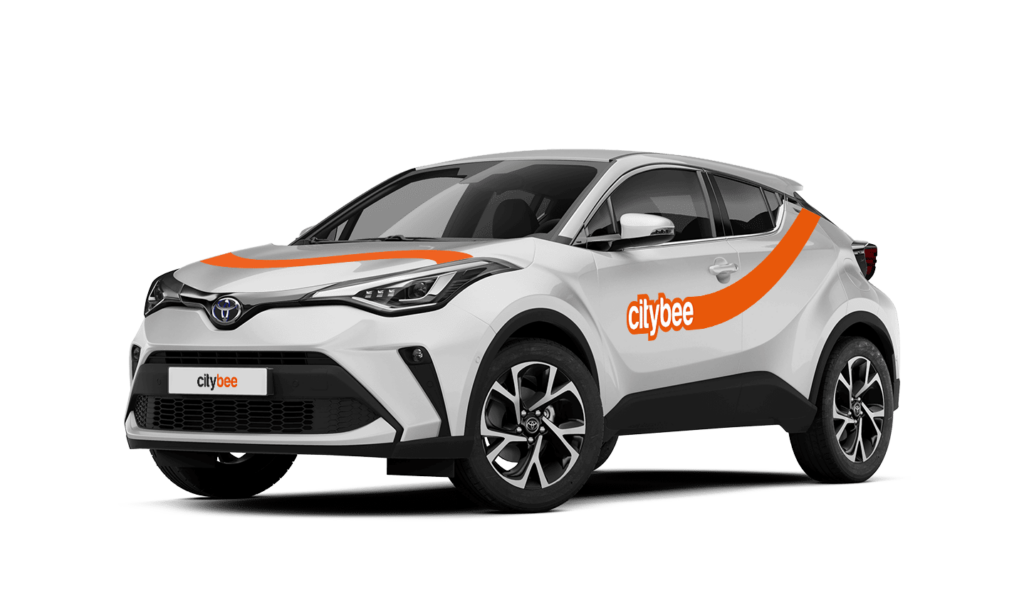
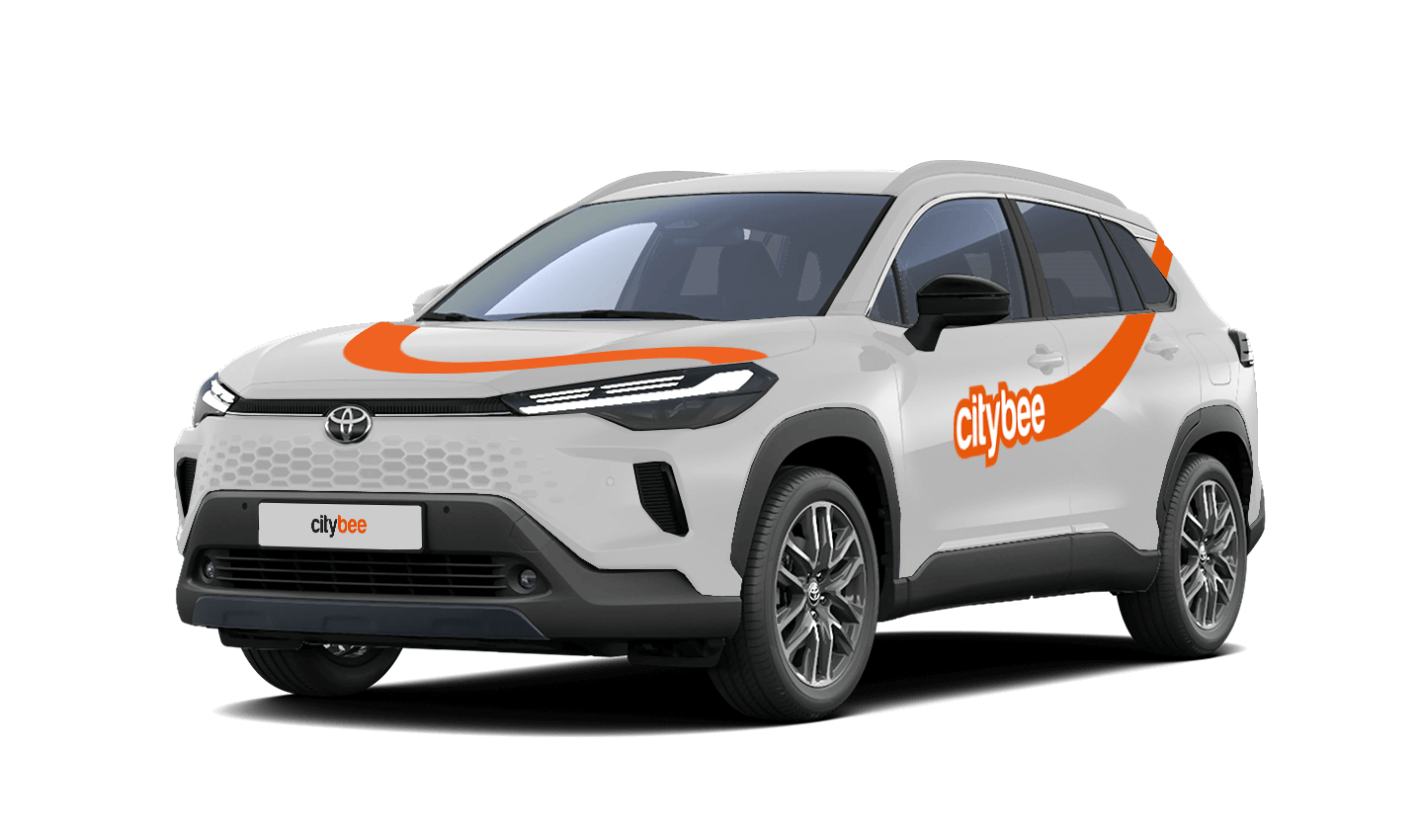
Toyota Corolla Cross
The price of this journey would be
0€
Trip start fee of 0.49€ is included in the price calculation.
The minimum trip price is the smallest amount payable for our services, deducted from your payment account once you unlock the car or extend your reservation. If your trip cost exceeds the minimum, the remaining amount will be charged by the end of the trip. However, if the total is less than the minimum, the difference won’t be refunded.
You’ll find the minimum trip price for each car listed in the app.
Please note that discounts do not apply to the minimum trip price.
Vans have their own parking zones, which are different from the ones for cars. Just tap the van icon in the app to see where you can go. The color-coding works the same way you’re used to:
– Clear zones – Park or end your trip here anytime, as long as you follow regular parking rules
– Yellow zones – These might add a small fee or give you a discount when you start or finish a trip. Tap the € symbol to check the exact amount for that zone
– Grey zones – No ending trips here, sorry!
The good news? You don’t have to bring the van back to where you picked it up. Any allowed van zone works.
One thing to keep in mind: Electric vans have their own special zones. If you plan to drive an electric van, make sure to select it in the app, that way you’ll only see their specific zones.
For more details on parking zones, see our guide here.
BeeChill fee covers towing costs if the vehicle needs to be towed due to an accident—just make sure to inform us right away, and we’ll handle the rest.
However, the BeeChill fee does not cover towing costs in the following situations:
Running out of charge: If you discharge the EV battery, towing costs won’t be covered, as it’s your responsibility to ensure the vehicle has enough charge, just like with fuel in traditional cars.
Parking violations: If the vehicle is towed because of a traffic violation, such as parking in a restricted area, the fee will not cover the costs and you’ll be responsible for the towing charges.
In these cases, it’s important to follow traffic rules and keep an eye on the vehicle’s battery or fuel level to avoid extra costs. For more details, please refer to our Terms of Service or Pricelist.
When reserving a car, you have two options:
· Choose a car, click on “Reserve,” and you will get a free 15-minute reservation, giving you access to the car for unlocking
· If you do not unlock the car within this 15-minute window, your reservation will automatically end unless you choose to pay for an extension.
If 15 minutes isn’t enough, you can extend your reservation for longer periods, but keep in mind:
· You can easily extend your reservation through the app after you’ve booked the car. Just click on Reservation and then select Extend.
· After the 15 minutes expire, the paid reservation time will begin. The cost per reserved minute is the same as the cost per minute when driving the car;
· You can extend the reservation for up to 24 hours;
· If you do not unlock the car by selecting “Unlock” in the app, the reservation will automatically end, and you will be charged for the time the reservation was active.
You can cancel a paid reservation at any time, and you will only be charged for the time used.
Once you’ve reached the car, click “Unlock” in the app. The car will unlock, and the keys will be inside the vehicle.
If you encounter any issues while trying to unlock the car using the app, please contact us by phone, and our 24-hour Beehive Assistance Center will be happy to help:
Contacts in Lithuania: +370 70077084;
Contacts in Latvia: +371 272 65460;
Contacts in Estonia: +372 600 0160.
To get started with CityBee, you must link a payment card to your CityBee account.
You can link more than one payment card and choose before each trip which card will be used for automatic payment for the services immediately after the trip or during your trip, depending on the length of your journey.
A linked payment card should allow making automatic payments from the client’s account linked to a card.
With a CityBee subscription, you can drive any CityBee passenger car in Lithuania, except for cargo vehicles.
At least one payment card must be linked to a CityBee account. You can link more than one payment card and choose from which card you will be billed for services before each trip. It is important that the card type is VISA or MasterCard and that the secure internet shopping function is activated.
How do I activate the secure internet shopping function?
1. SEB: Log in to your internet bank and look for “Accounts and Cards” -> “Card List” in the menu bar at the top. You’ll see all of your cards that can be registered with the secure internet shopping programme. Next to the desired card in the options below, click on “Online Billing” and click “Enable”.
2. Swedbank: Log in to your internet bank and look for “Cards” -> “Secure internet shopping” in the menu bar on the left. You’ll see all of your cards that can be registered with the secure internet shopping programme. Select the desired card next to the note “Online Billing” and click “Enable”.
3. Šiaulių Bankas: Log in to your Internet bank and in the menu on the left, select “Cards” -> “Secure payment” -> select the payment card for which you want to activate the secure internet shopping and click “Register” -> enter the requested data and confirm it by pressing the “Enter and Sign” button -> soon the status of the card will change to “Registered”.
4. Luminor bank: Log in to your Internet bank and in the menu, select the item “Payment cards” -> select the payment card for which you want to activate the secure internet shopping and in the opened window click “Secure shopping service settings” -> select the “Order service” button -> enter the requested data, which the bank will show you later during the purchase -> click “Order service”.
5. Danske bank: No additional activation of the secure internet shopping is required.
6. Citadele bank: No additional activation of the secure internet shopping is required.
Left something behind? You’ve got 24 hours to grab it for free.
Just reserve and unlock the same car like you normally would. You’ll have 5 free minutes to collect your stuff. Important: don’t turn on the ignition unless you’re planning to drive. If you stay longer than 5 minutes, you’ll automatically start a paid reservation.
After 24 hours, you can still find the car on our live map. If you don’t see your vehicle on the map, it may be in use by another customer at the moment. You can find available vehicles here:
Lithuania: https://map.citybee.lt/#/main-map
Estonia: https://map.citybee.ee/#/main-map
Latvia: https://map.citybee.lv/#/main-map
Need a hand? Reach out at info@citybee.lt, info@citybee.lv, info@citybee.ee, or through the in-app chat.
The price of this journey would be
0€
Trip start fee of 0.49€ is included in the price calculation.