Price Calculator
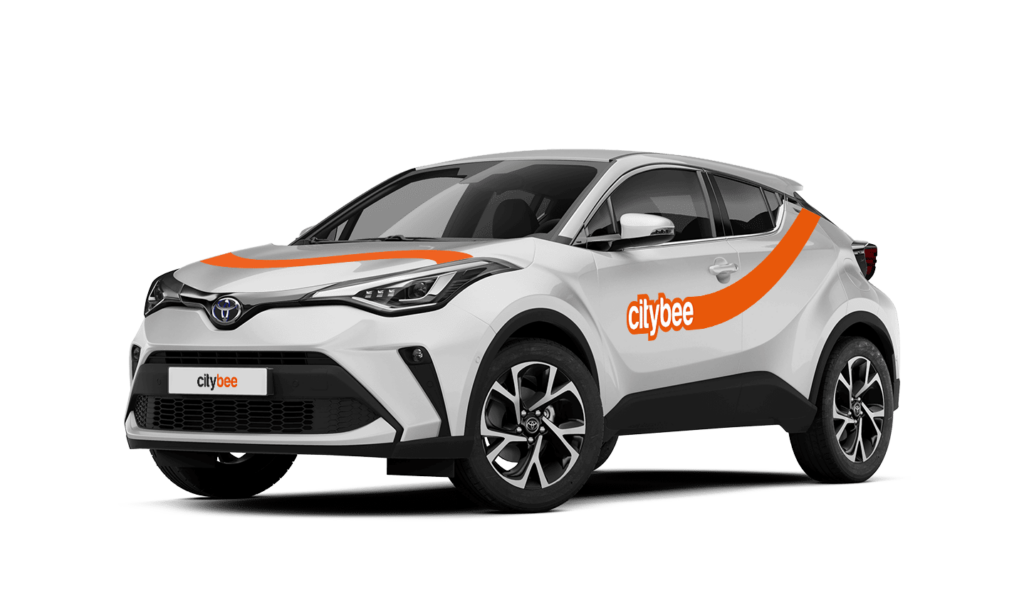
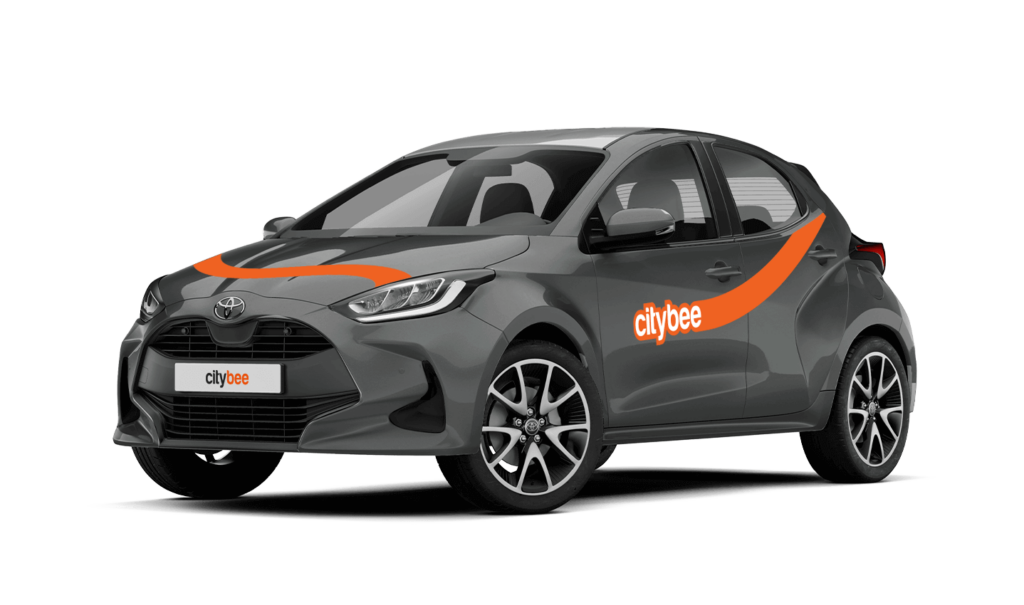
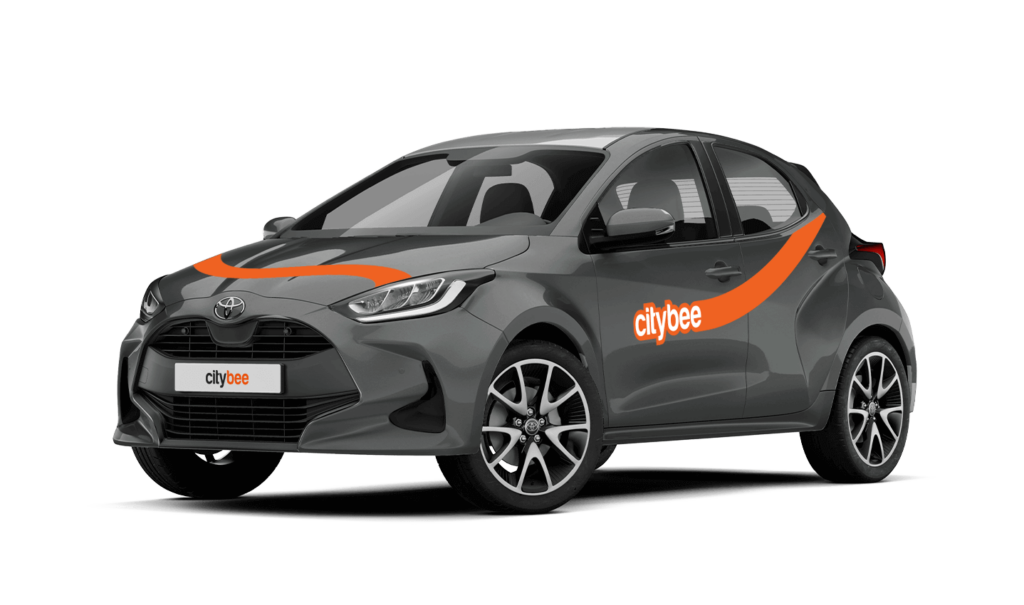
Toyota Yaris
The price of this journey would be
0€
Trip start fee of 0.49€ is included in the price calculation.
If you refuel at a station other than Circle K, we’ll refund the cost of the fuel. To request a refund, make sure to save the receipt and follow the process described here.
Please note that we cannot process receipts older than 3 months.
If you don’t use all the kilometers and minutes allocated for a trip under the subscription plan, the unused distance and time will not be carried over to another trip.
Parking in private paid lots is allowed, but you will need to cover the parking cost yourself.
For more details on parking zones, see our guide here.
Additionally, regardless of whether the area is shown in the app as a free parking zone (transparent) or a paid parking zone (yellow), customers must always comply with local traffic regulations, road signs, supplementary signs, and any other parking restrictions in force.
Before ending your reservation, always make sure that parking is permitted in the selected location.
In the event of a traffic accident, follow the valid road traffic regulations of the country where the accident happened. If the accident is not complicated, there are no more than two cars involved and there are no casualties, a sketch of the accident is drawn and an accident statement is filled out, which You will find in the storage compartment. If parties disagree about the fault of the participants in the event, the police are called.
Each accident statement should include the causer of the accident and the victim. In the sketch, it is necessary to specify how many vehicles and which of those vehicles encountered in the accident.
ATTENTION!
When filling out the accident statement, keep in mind that both participants need to specify their contacts, each take a copy of the declaration and sign it (the victim signs only in box 15). Do not forget to fill out the circumstances field (12), it is mandatory.
An example of the filled out accident statement:
In Lithuania https://help.citybee.tech/lt/articles/5615179-kaip-pildyti-eismo-ivykio-deklaracija;
In Latvia https://help.citybee.tech/lv/articles/5615179-ka-aizpildit-saskanoto-pazinojumu;
In Estonia https://help.citybee.tech/et/articles/5615179-kuidas-taita-liiklusonnetuse-teadet.
You can also fill out the accident statement online:
In Lithuania https://draudimoivykiai.lt/;
In Latvia https://www.ltab.lv/spapp/;
In Estonia https://avarii.lkf.ee/et/.
CityBee cars are new and in good technical condition. However, if your car does not start or breaks down (if you hear a strange sound, a red indicator lights on the dashboard or there are other signs of breakdown), please contact us by phone:
CityBee Lithuania contacts: +37070077084, info@citybee.lt;
CityBee Latvia contacts: +371 27265460, info@citybee.lv ;
CityBee Estonia contacts: +372 600 0160, info@citybee.ee.
Our task is to provide the services you need as soon as possible and smoothly so that any breakdown on the road will cause the least inconvenience and you will be able to continue your trip as soon as possible. No matter where in the city you are, we will quickly make conditions to continue your trip and you will get a compensation.
Children must be carried in kids’ chairs. CityBee cars have kids’ chairs (you can see whether there is a chair in a selected car by clicking on the car icon on the map or using a filter and selecting the criteria “Cars with kids’ chairs”). Chairs are for older children, i.e. this is a raised seat without a backrest.
Road traffic rules warn that children under the age of 12 and not higher than 150 cm are allowed to sit in the front seat only in special seats adapted to their weight and height.
For safety reasons, CityBee cars only provide a group 2/3 booster cushion for children from 22-36 kg, aged 6 to 12 years, following the law.
If you contact us by phone, calling from a phone number that you haven’t registered in your CityBee profile, we will verify your identity by asking you to provide your profile or other information known only by you.
As part of this check, we can send a verification code (SMS or e-mail) to the registered phone number or e-mail address, asking you to provide the verification code.
If the verification doesn’t work, we cannot continue providing assistance.
Please note that when calling from the registered phone number some additional identification questions may be asked.
All publicly available information will be provided to any caller without verification.
When using CityBee, you don’t have to pay for fuel yourself – you only pay for the time and kilometers you drive.
Refueling is easy!
Go to any of our partner Circle K gas stations. Open the CityBee app and start the refueling. Follow the simple instructions, fill up, and hit the road!
If the fuel is below 1/4 of the tank, you’ll receive a €2 discount for topping up.
Step by Step refueling guide
Check the Reservation map in the app to see nearby fuel stations. Tap a station for details and directions, then drive there.
When you arrive, tap the notification or open the CityBee app, go to Reservation, and select Refuel.
The app shows available pumps. Pick your pump, activate it, and wait for confirmation.
When it says, “Ready to fuel,” pick up the nozzle and start fueling. Return the nozzle when finished. The app will update the fueling status automatically.
If you decide not to refuel, you can cancel in two ways:
Manual cancel: Pick up the nozzle and immediately return it – the refueling is canceled.
Automatic cancel: If the nozzle is never picked up, the app will automatically cancel the refueling after 2 minutes of inactivity.
In rare cases, you may need to use the fuel card inside the car. This happens if the pump doesn’t work via the app or if you’re refueling outside the Baltic States. The CityBee app shows the PIN code and fuel type under your active reservation.
The price of this journey would be
0€
Trip start fee of 0.49€ is included in the price calculation.
All documents can be found in the storage box.
The car has a built-in radio with a touchscreen, so everything is controlled by pushing the buttons on the screen and using additional buttons on the radio itself and the steering wheel.
The car has an automatic gearbox, so the gears are switched by pressing the brake pedal, pressing the button on the gear switch, and putting the switch in the desired position. P – Parking R – Reverse gear N- Neutral gear D – Drive gear B – The slow gear. This gear charges the battery for the electrical engine while driving.
The car lights are switched on by turning the blinker switch on the left. The foglights are switched on by turning the wheel in the middle. The High beam are switched in by pulling the blinker switch to the front.
The car starts by pushing the brake pedal and pressing the POWER button (the blue button on the right, behind the wheel). The key must be in the car when attempting to start it. IMPORTANT: The car is a hybrid, so it starts EXTREMELY silently. The car is stopped by pressing the POWER button again.
The car is started by putting the key in the ignition and turning it clockwise. After starting the engine, only the electrical engine starts, so there is no engine sound and the “EV” indicator is on in the dashboard. After pressing the accelerator, the petrol engine starts and you can hear the engine sound. IMPORTANT: The car is a hybrid, so it starts EXTREMELY silently.
The gas tank is opened by lifting a switch to the left of the driver’s seat, then the tank cap is screwed off. The gas tank is on the left side. The fuel type is indicated on the sticker that is on the cover for the gas tank, the sun visor, and in the vehicle registration certificate, found in the car’s glovebox. You can fill up at any Circle K station. You will find the fuel card in the visor and the PIN code is on the card. Pay with that card and keep driving 🙂