Price Calculator
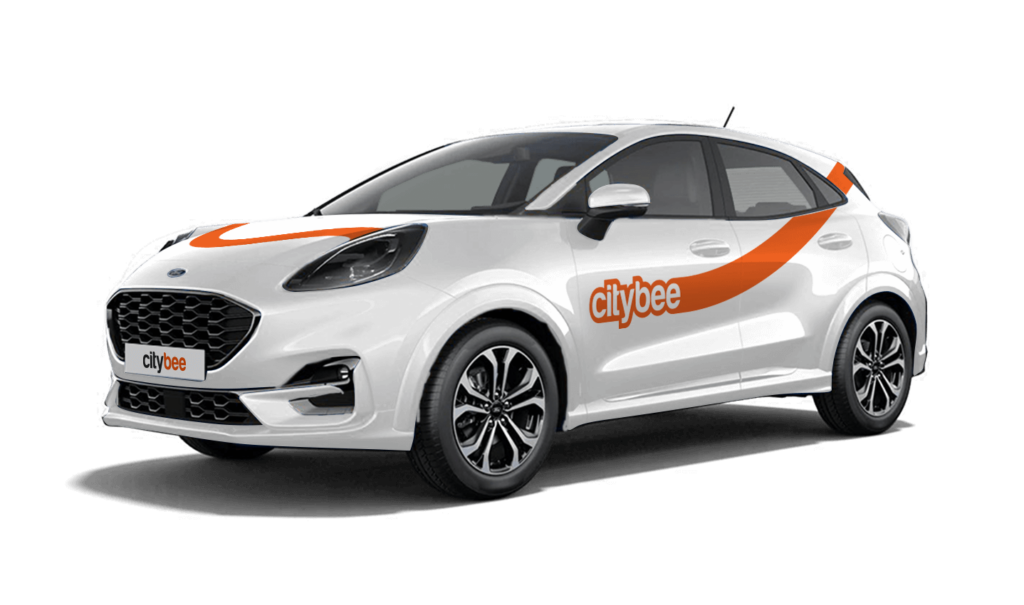
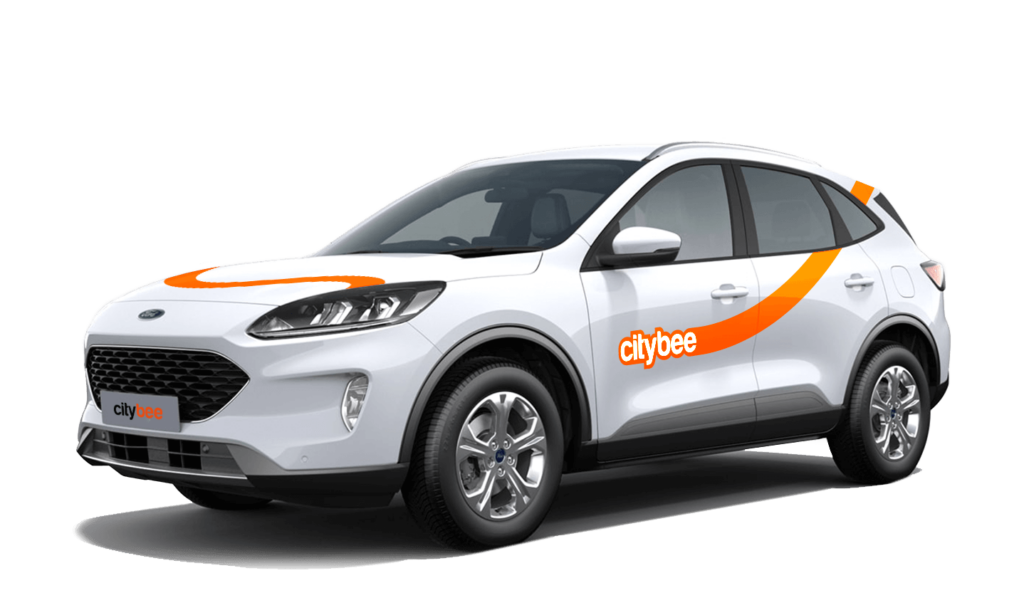
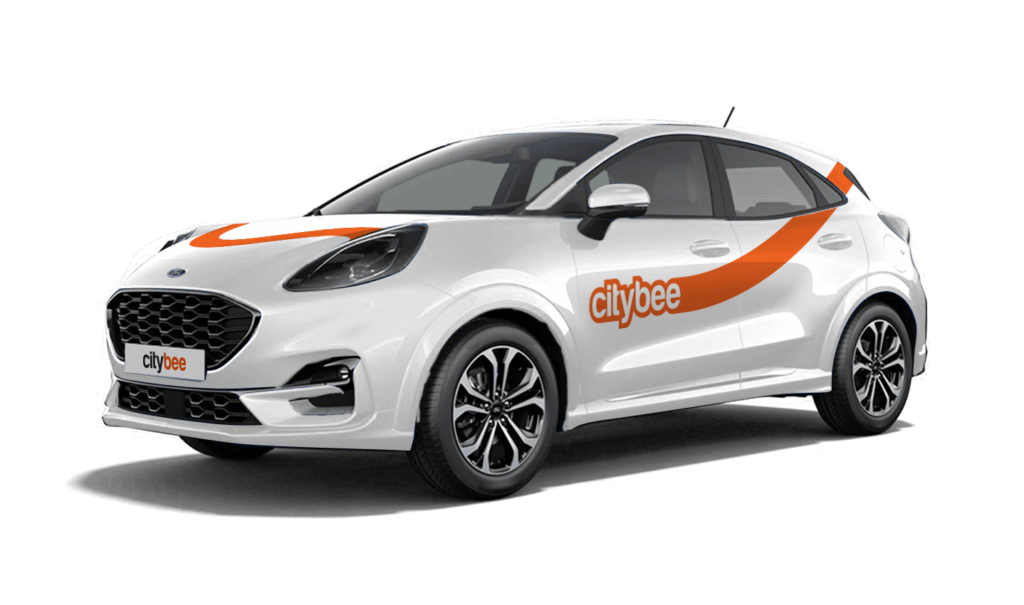
Ford Puma
The price of this journey would be
0€
Trip start fee of 0.49€ is included in the price calculation.
The plan is activated on the day of purchase. You will receive an email notification confirming the activation immediately after the purchase.
We offer prepaid trip packages that include fixed time with fixed kilometers.
By choosing prepaid packages, you will pay less than the usual fare with the same distance and time in the ‘Flexible’ option.
If you happen to exceed the kilometers and /or time included in the price of the package, you will be able to continue the journey safely.
After the prepaid package ends (mileage and time included are finished), you will be paying for additional minutes and/or kilometers as specified in the chosen package deal.
You can also continue your trip by purchasing one more additional prepaid package without completing the active reservation.
If you decide to end the trip before using the time and /or kilometers indicated on the prepaid package, this balance will not be refunded.
The price of the fixed prepaid package will be charged at the beginning of the trip and the price for the extra kilometers and/or time will be charged during or at the end of the journey, depending on the length of your trip.
A day mentioned in the trip packages is 24 hours.
You can find the packages and prices in the CityBee app, also, the prices of prepaid packages can be viewed here: https://citybee.lv/en/packages/.
Now you are able to customize the pre-paid packages yourself by selecting time and kilometers in the app. Choose the preferred duration of the package, then, select the number of kilometers you anticipate driving during that time. This way, you can tailor the pre-paid package to fit your specific needs and budget. Enjoy the flexibility and convenience of customizing your own package!


You can find the fuel type in the CityBee app, under active reservation.
The CityBee subscription plan does not automatically renew when it expires. However, if needed, you can purchase a new plan to continue your subscription.
The usage time of the car starts from the moment of unlocking the car or when you click ‘extend the reservation’ and ends when the car is locked via the smartphone app.
Each time you use CityBee, you are able to choose Flexible or Prepaid Packages pricing.
Trip start fee – additionally applicable to all Flexible pricing trips (not applicable to travel packages). Fee amount for each car is indicated in the App.
Prepaid packages – the prices for the packages are fixed. Prepaid package prices are based on the time and kilometers included. If the time or kilometers included in the package are exceeded, the additional price is calculated according to the set tariff, specified when choosing the package.
You can find all of the available packages and prices in the CityBee app and use the custom package function.
There is no extra charge for fuel and insurance – we take care of it.
If you exceed the maximum allotted time or distance during a trip, standard CityBee per-minute and per-kilometer rates will apply according to the ‘Flexible’ pricing for the selected car model. Immediately after your trip, you will receive an invoice via email detailing the additional charges for extra kilometers and/or minutes. This amount will be charged to the payment card linked to your CityBee account.
If, for any reason, the additional charges cannot be deducted from your payment card and a debt is incurred, you will not be able to start a new trip until the outstanding balance is settled.
Once you reserve a car, you are able to keep it reserved for you 15 minutes for free. However, if you weren’t able to reach the car within 15 minutes and need additional time – you can easily extend your reservation through the app. Just click on Reservation and then select Extend.
The price for extended reservation costs as much as the time price for that specific car displayed in the price list.
The maximum duration of the extended reservation is 24 hours. If you do not unlock a car by selecting Unlock in the app within that period, the reservation will discontinue and you will be charged for the time used. You can cancel the extended reservation anytime. In this case, you will pay only for the used paid reservation time.
You will receive an email notification after each trip made with your CityBee subscription plan, informing you of the remaining trips. You can also view your remaining trips in the CityBee app by selecting the desired car for your trip.
The price of this journey would be
0€
Trip start fee of 0.49€ is included in the price calculation.